AI Image Combiner: How to Combine Two Images Into One Online for Free
AI Image Combiner Team
5/2/2026
AI Image Combiner: How to Combine Two Images Into One Online for Free
If you want to combine two images into one online, you usually need more than a basic collage tool. You want the result to look natural, with lighting, edges, and subject placement working together instead of looking pasted on top of each other. This guide explains how an AI image combiner works, when it is better than manual photo merging, how to get cleaner results, and what to watch out for when combining two photos into one. If you want to try it directly, you can start with AI Image Combiner and create a first draft in seconds.
The reason this matters is simple: most people searching terms like combine two images into one, ai combine two images, or ai image combiner free online are not trying to learn image editing theory. They are trying to solve a practical problem fast. They may want to place two people in the same frame, drop a product into a lifestyle scene, merge a portrait with a new background, or create one believable image from separate sources. AI helps because it does more than stack pixels. It can interpret the relationship between subjects, color, light, and composition so the merged image feels more coherent.
What is an AI image combiner?
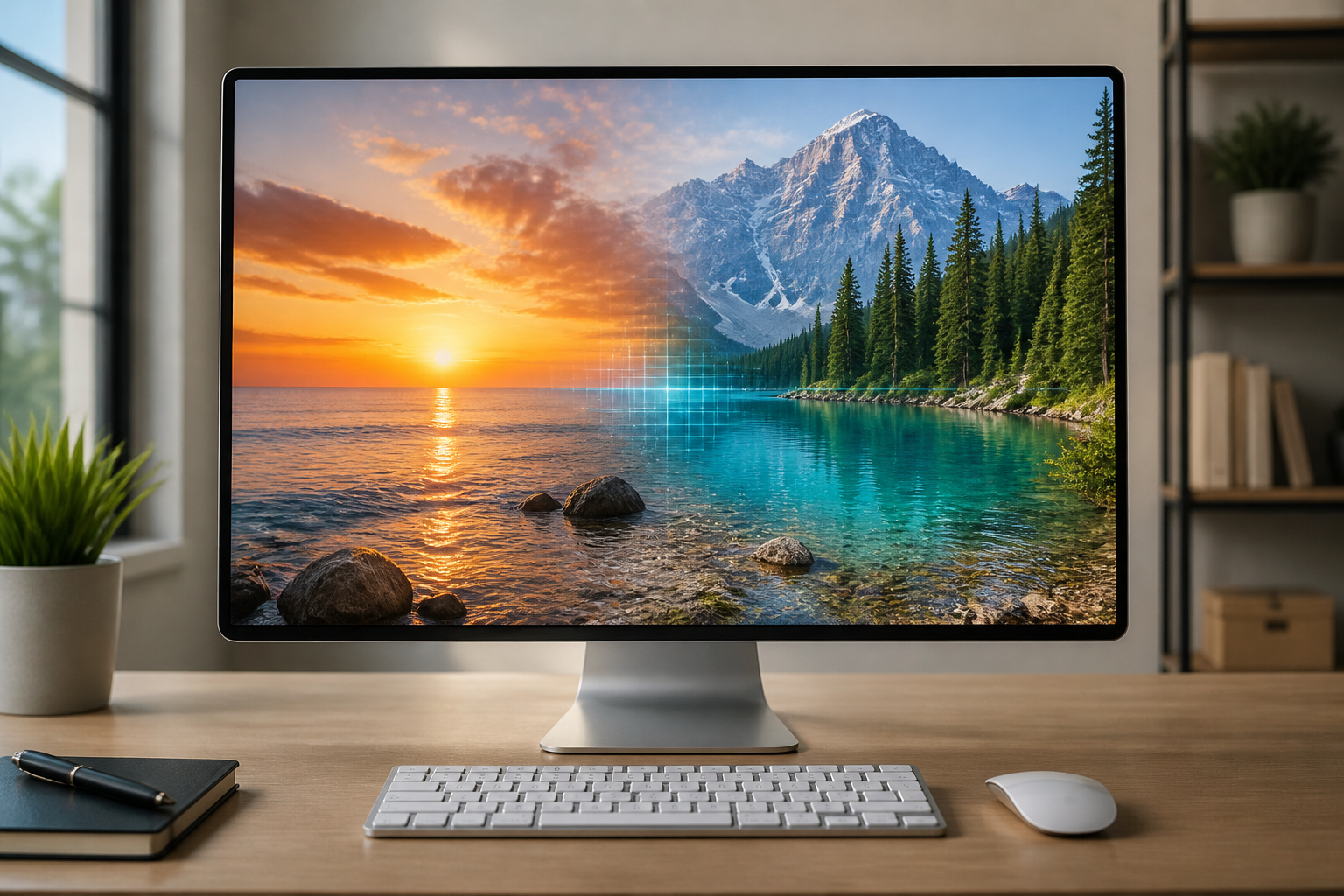
An AI image combiner is a tool that takes one or more source images and blends them into a single output. Unlike basic editors that only let you layer, crop, or resize, an AI combiner tries to make the final image feel visually unified.
That usually means it helps with:
- subject cutout and placement
- edge blending
- matching brightness and contrast
- adjusting color consistency
- creating a more believable final composition
This is why users searching for merge two images ai or combine photos with ai often prefer an AI-based workflow over a classic photo editor. The goal is not just to place two images side by side. The goal is to make them work as one image.
Why people search for combine two images into one
The keyword cluster around this topic shows a very clear intent. Users are usually trying to do one of the following:
- put two people into the same photo
- merge a product photo with a lifestyle background
- combine a subject and a generated scene
- place one object into another composition
- create a polished visual for social media, ads, listings, or personal use
That is why a term like photo merger is not always the best framing. It is broad and can mean simple collage, overlay, or old-style photo stitching. The more valuable search intent for this site comes from phrases like:
- ai image combiner free online
- combine two images into one
- ai combine two images
- combine two photos in one frame online
- merge two photos ai
Those phrases describe users who want a fast online result and expect AI to do the hard visual work.
When AI works better than manual image merging
Manual photo compositing still matters if you need exact layer control, professional retouching, or pixel-perfect commercial art direction. But for many everyday use cases, AI is much faster.
AI usually works better when:
- you need a result quickly
- you do not want to cut out subjects manually
- you want a believable draft before detailed editing
- your goal is content production rather than complex retouching
Typical examples include:
- product marketing visuals
- social posts
- mockups
- fan edits
- family or couple photos created from separate images
For these use cases, a tool like AI Image Combiner is more practical than opening a full design app and compositing everything by hand.
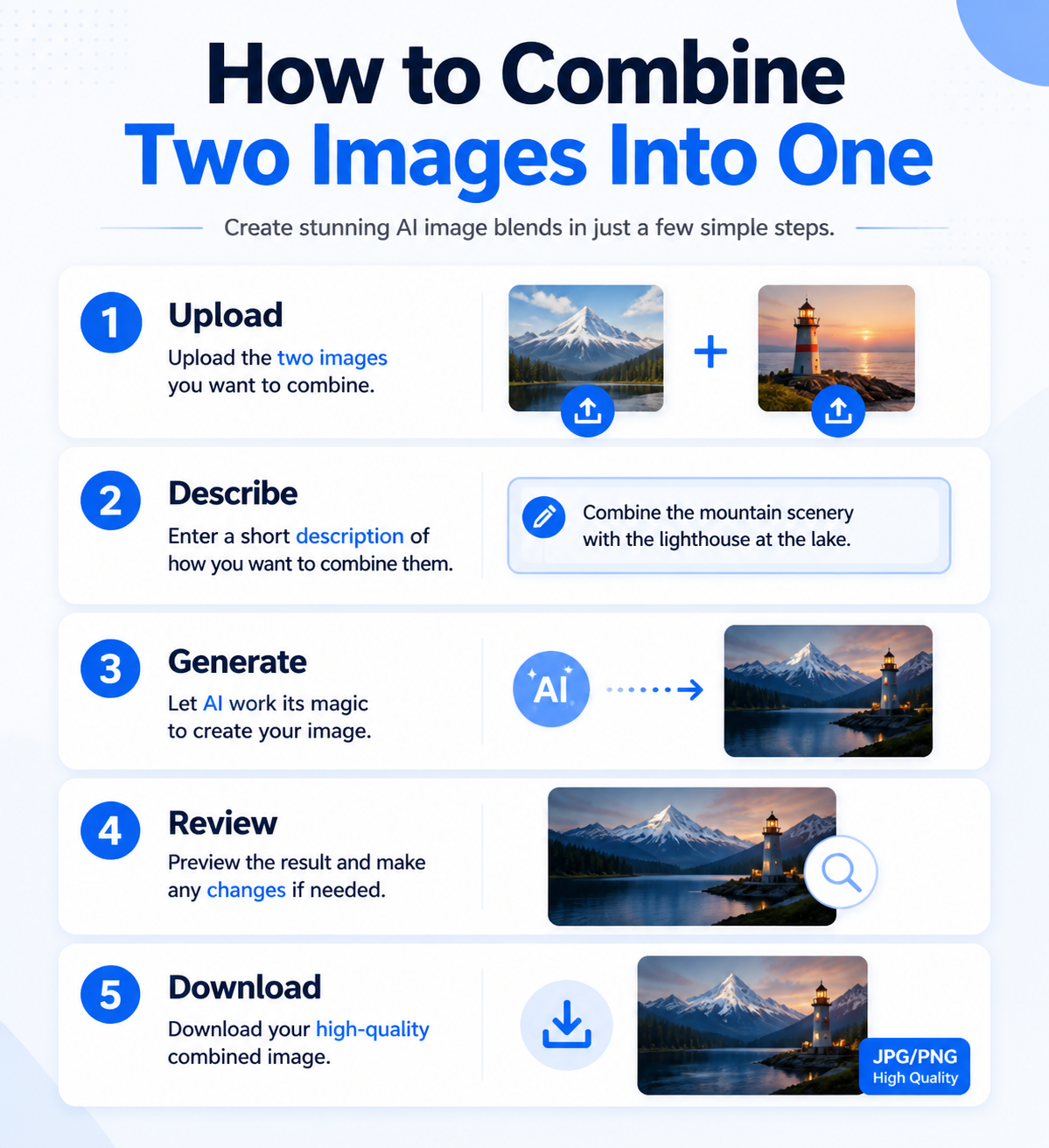
How to combine two images into one online with AI
The basic workflow is simpler than many users expect.
1. Choose the right two source images
Good results start before generation. Try to use images with:
- clear subjects
- decent lighting
- enough resolution
- visible separation between subject and background
If one image is dark and the other is brightly lit, the AI may still merge them, but the result often needs more adjustment.
2. Decide what the final image should do
Do not only think “combine these two photos.” Think about the output purpose:
- one scene with two people
- a product placed in a new environment
- a fantasy or editorial composition
- a clean brand visual
That goal changes the prompt and helps the model choose better relationships between the uploaded images.
3. Add a prompt that explains the relationship
The most effective prompts are not generic. They explain how the images should interact.
Better:
- Place the woman from image one standing next to the man from image two in a warm outdoor evening setting, natural lighting, realistic shadows, candid photography.
Weaker:
- combine these two photos naturally
The more clearly you describe subject relationship, scene, and style, the better the output tends to be.
4. Generate and review
After generation, check:
- are the subjects placed naturally?
- do the shadows and direction of light make sense?
- do skin tones or object colors match?
- does the image feel like one composition or two separate assets?
If the answer is “almost,” AI is still useful because it gets you to a much stronger first draft than manual merging usually does at the same speed.
What makes a good AI-combined image look natural?
When people search ai merge photos or combine pictures ai, what they really care about is believability.
A strong result usually has:
- consistent lighting direction
- similar contrast and color temperature
- realistic scale between elements
- enough spacing around subjects
- a clear focal point
Bad merges tend to fail because:
- one subject is much sharper than the other
- background perspective does not fit
- shadows are inconsistent
- the prompt is too vague
- the source images fight each other visually
This is why “free online” alone should not be the only requirement. Speed matters, but result quality matters more if the image will actually be used.
Best use cases for an AI image combiner
An AI image combiner is especially useful for:
- two-person or multi-person compositions
- product lifestyle scenes
- ad creatives
- social visuals
- mockups and concept art
- content experiments where speed matters
It is less ideal when you need:
- exact print-production compositing
- detailed brand-safe retouching
- very precise object masking for technical use
That does not make AI weaker. It just means the tool is best when you want fast, visually convincing image composition rather than traditional fine-grained editing.
AI image combiner free online: what should you look for?
If you are comparing tools, the real decision points are usually:
- can it combine one or two images cleanly?
- do the results look natural?
- is the workflow fast?
- can you guide the output with a prompt?
- is there a free entry point before paying?
Those questions matter more than marketing claims. A good free AI image combiner should let you understand the workflow quickly and produce a result that already feels usable, even before extra refinement.
Final answer
If your goal is to combine two images into one online for free, AI is usually the fastest and most flexible way to do it. It is especially useful when you want something more natural than a collage and faster than manual compositing.
The best results come from three things:
- better source images
- a clearer prompt
- a tool built for natural visual blending instead of simple layering
That is exactly where AI Image Combiner fits. It helps you turn separate images into one coherent composition without starting from a full editing workflow. Whether you are merging two portraits, building a product visual, or creating a social-ready composition, the goal is the same: make the final image look like it belongs together.