Official model guide and generator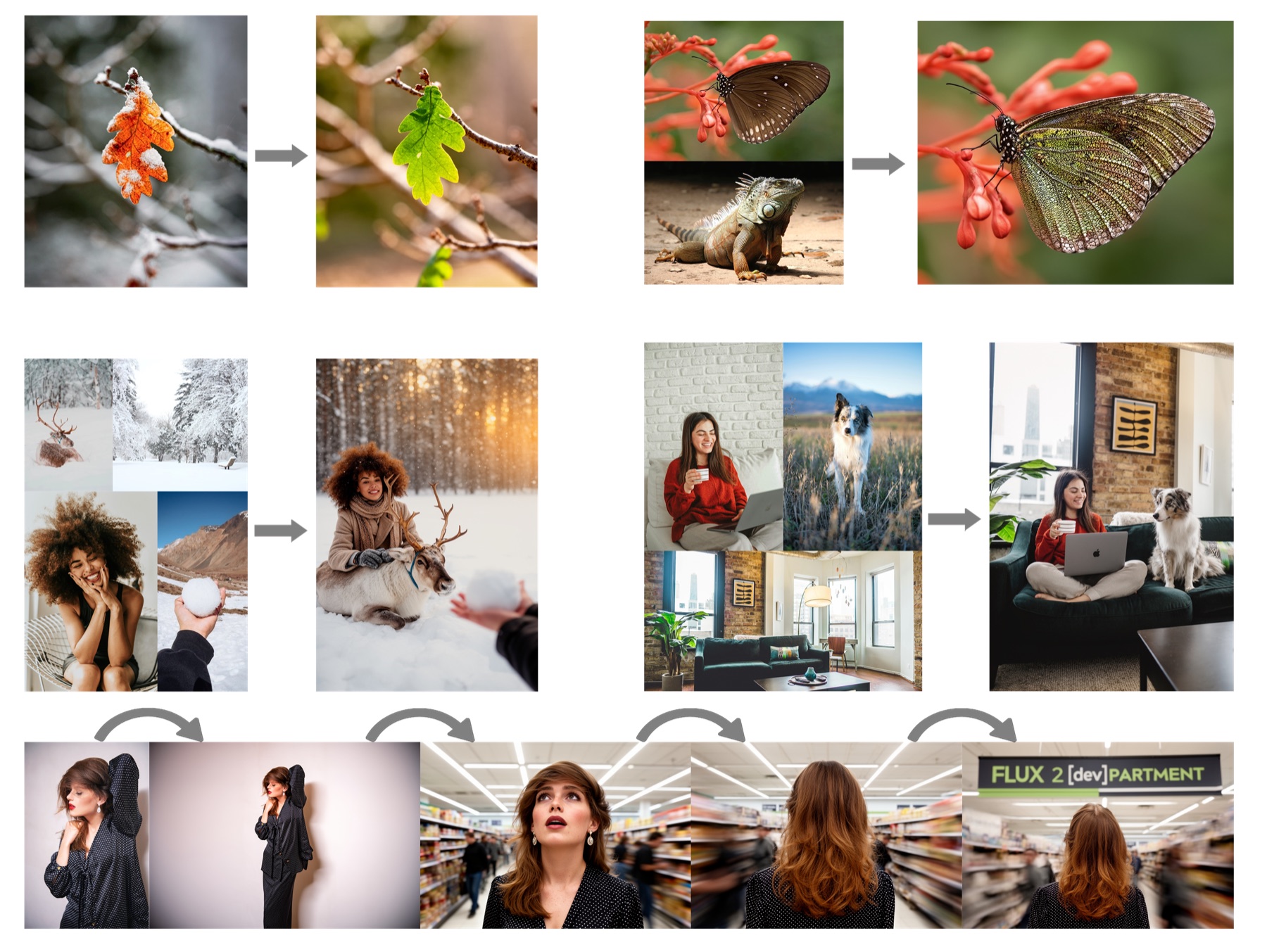
01
Flux 2 Pro concept directions
Flux 2 Pro works well for early visual direction because it supports character and style consistency, structured prompt following, complex text, brand guidelines, and editing up to 4MP.
Flux 2 Pro for high-detail, brand-aware images with multi-reference consistency.
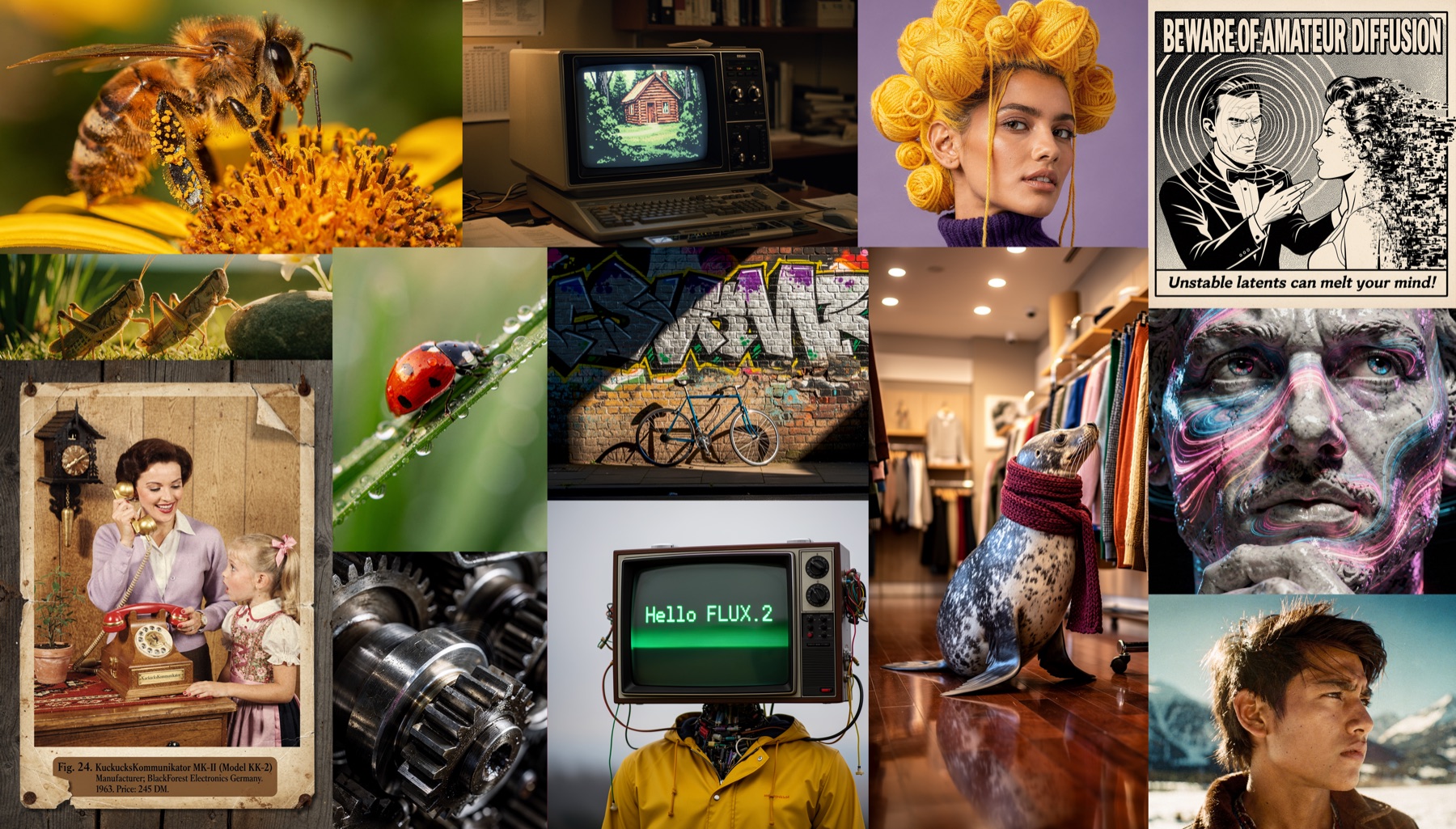
Use Flux 2 Pro for professional creative production where prompt adherence, brand consistency, readable text, and realistic detail are more important than casual experimentation.
Use Flux 2 Pro when you need Black Forest Labs FLUX.2 Pro for production creative workflows. Write a production brief with brand rules, subject identity, references, typography, and final channel.
Before generating, assign each reference a job: character, product, palette, layout, logo, or lighting, so the model follows constraints.
use stricter prompt structure when the output needs labels, packaging, UI, or campaign consistency.
After generation, inspect text, logos, repeated characters, material realism, and whether the image matches the brand system.

Black Forest Labs positions FLUX.2 for real-world creative workflows: character and style consistency across multiple references, structured prompt following, complex text, brand guidelines, lighting, layouts, logos, and image editing up to 4MP.
Black Forest Labs FLUX.2 announcementFlux 2 Pro is described around character and style consistency, structured prompt following, complex text, brand guidelines, and editing up to 4MP, so the workflow stays close to what the model is built to do.
The workspace asks you to assign each reference a job: character, product, palette, layout, logo, or lighting, so the model follows constraints.
Use Flux 2 Pro with a clear review pass: inspect text, logos, repeated characters, material realism, and whether the image matches the brand system.
Flux 2 Pro works well for early visual direction because it supports character and style consistency, structured prompt following, complex text, brand guidelines, and editing up to 4MP.
For client or team review, use stricter prompt structure when the output needs labels, packaging, UI, or campaign consistency, then use the result as a clearer brief for final polishing.

Teams can reuse the same prompt structure by keeping the model focus visible: Black Forest Labs FLUX.2 Pro for production creative workflows.
Bring your prompt, choose the controls supported by Flux 2 Pro, and use the workspace above to prepare a model-specific image generation brief.
Try Flux 2 Pro