Official model guide and generator
01
Grok Imagine concept directions
Grok Imagine works well for early visual direction because it supports text-to-image, natural-language editing, multi-image editing, image-to-video handoff, and flexible ratio controls.
Create with Grok Imagine using xAI-style image generation and multi-image editing cues.
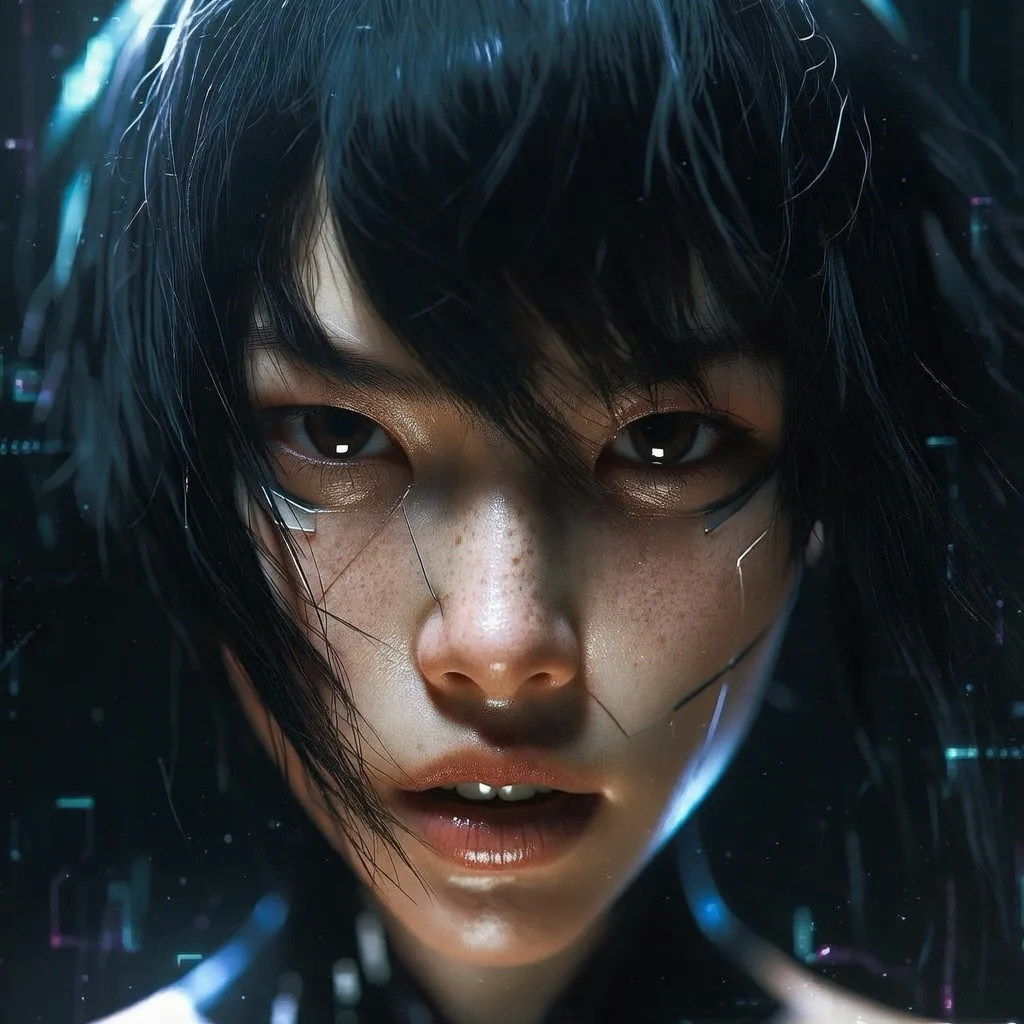
Use Grok Imagine for fast visual ideation, natural-language edits, and compositions that may later move into motion or reference-to-video workflows.
Use Grok Imagine when you need xAI Grok Imagine for bold, motion-ready visual ideas. Write the scene like a frame from a moving story: subject, action, camera, mood, and the next beat.
Before generating, add references when identity or style matters, and describe what should change in plain editing language.
pick ratios and counts based on whether the still may later become a short video or social sequence.
After generation, look for energy, readable silhouettes, strong framing, and whether the image can carry motion after generation.

xAI's Imagine docs cover image generation from text prompts, natural-language editing, multi-image editing, image-to-video, configurable aspect ratio, resolution, and count.
xAI Imagine docsGrok Imagine is described around text-to-image, natural-language editing, multi-image editing, image-to-video handoff, and flexible ratio controls, so the workflow stays close to what the model is built to do.
The workspace asks you to add references when identity or style matters, and describe what should change in plain editing language.
Use Grok Imagine with a clear review pass: look for energy, readable silhouettes, strong framing, and whether the image can carry motion after generation.
Grok Imagine works well for early visual direction because it supports text-to-image, natural-language editing, multi-image editing, image-to-video handoff, and flexible ratio controls.

For client or team review, pick ratios and counts based on whether the still may later become a short video or social sequence, then use the result as a clearer brief for final polishing.

Teams can reuse the same prompt structure by keeping the model focus visible: xAI Grok Imagine for bold, motion-ready visual ideas.
Bring your prompt, choose the controls supported by Grok Imagine, and use the workspace above to prepare a model-specific image generation brief.
Try Grok Imagine