Official model guide and generator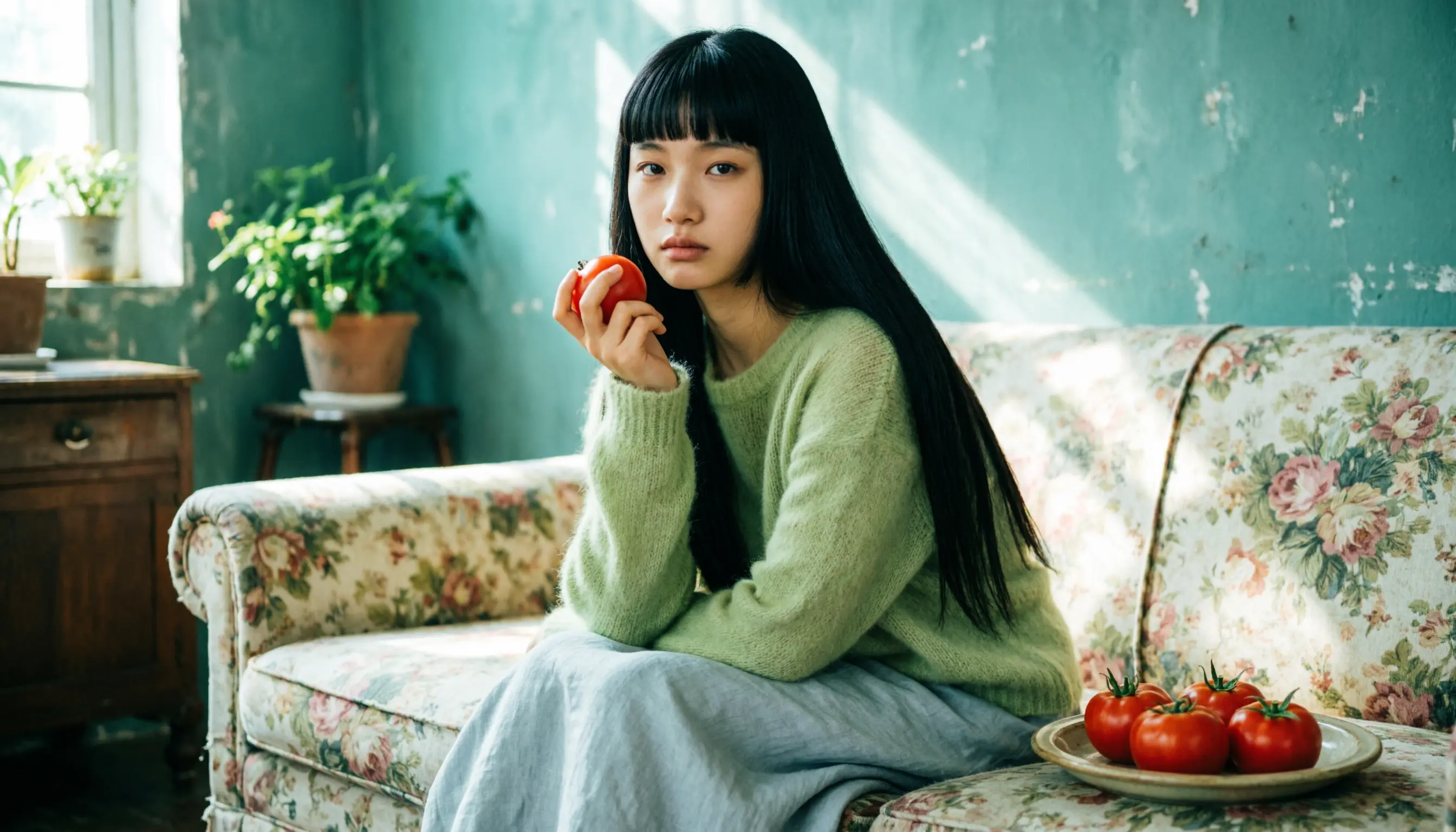
01
Wan 2.7 Image concept directions
Wan 2.7 Image works well for early visual direction because it supports 1K, 2K, and 4K output choices, count control, strong brand colors, text handling, and character-oriented generation.
Wan 2.7 Image for faster Alibaba text-to-image output with ratio, count, and resolution.
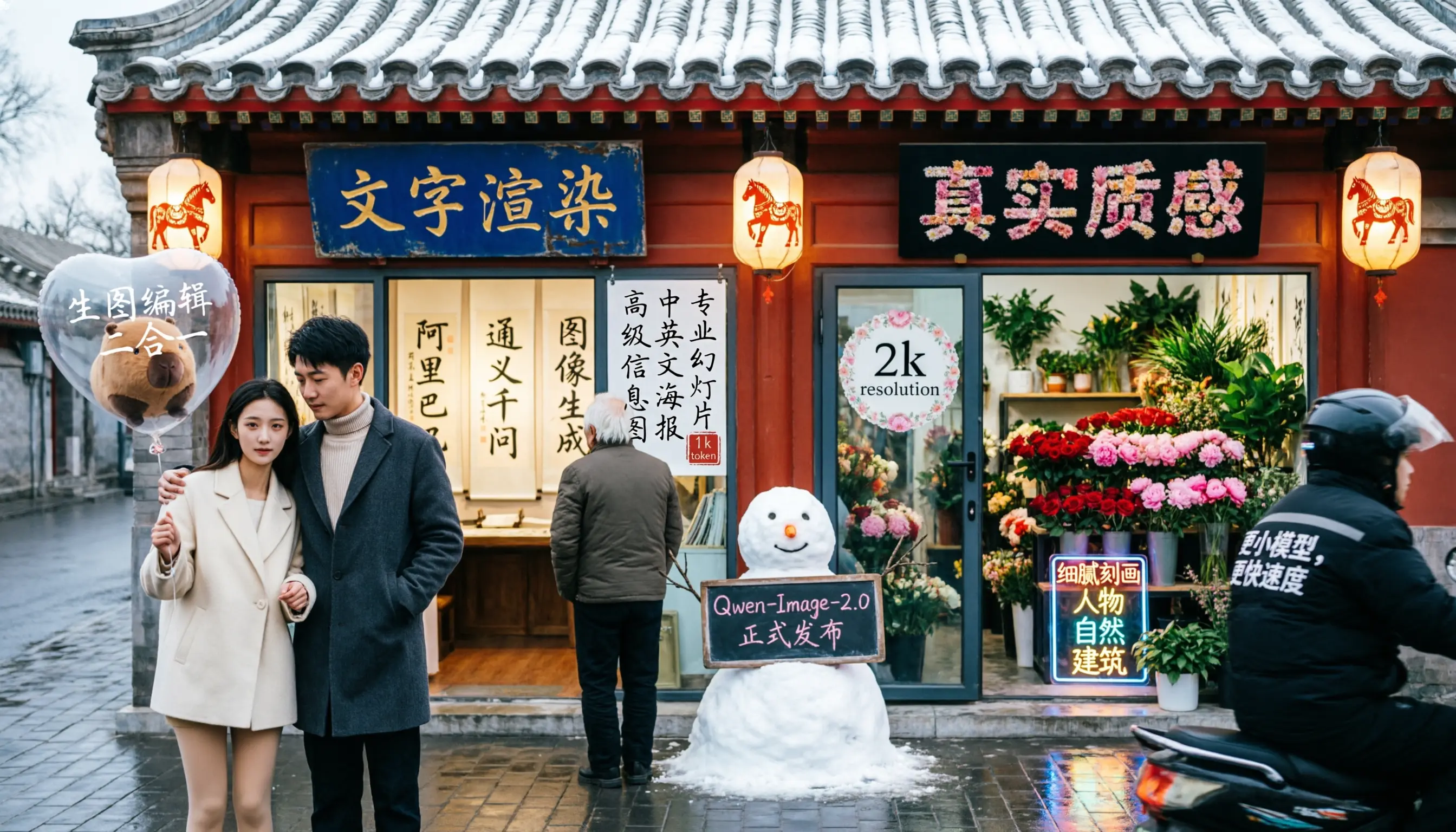
Use Wan 2.7 Image when speed and lower-cost generation are the priority, especially for text-to-image batches, aspect-ratio tests, and 1K or 2K production drafts.
Use Wan 2.7 Image when you need Alibaba Wan 2.7 Image for fast text-to-image batches. Use it when you need several Alibaba-style options quickly for posters, product visuals, or character scenes.
Before generating, describe the subject, visual style, target market, text needs, and batch direction before generating multiple outputs.
adjust count and resolution together so exploration stays quick before moving to polished output.
After generation, compare the batch for color, text, character consistency, and which option has the clearest commercial direction.
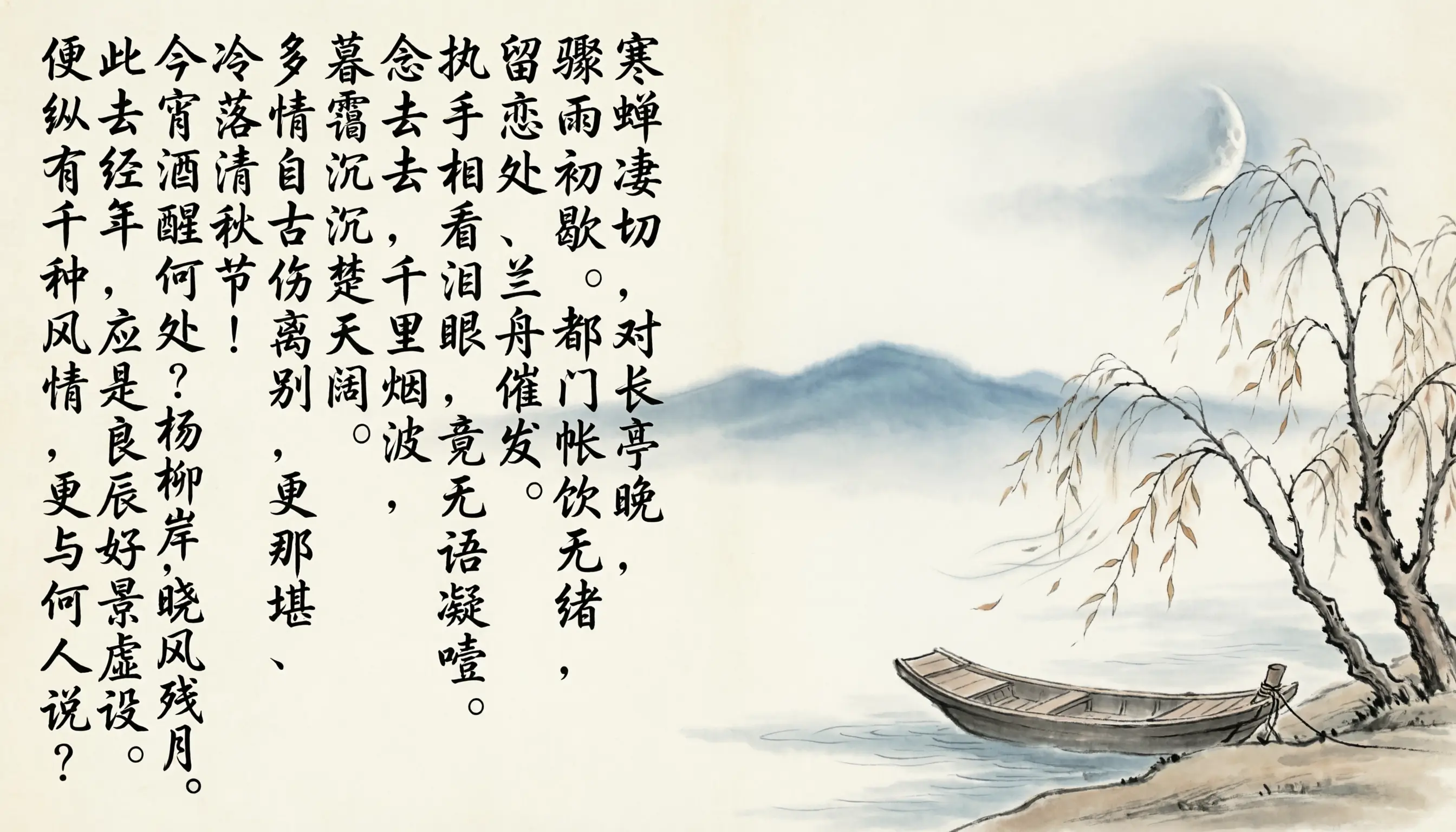
Alibaba Cloud describes Wan 2.7 image as the faster Wan 2.7 option, while the Pro edition supports 4K output. The broader model guide lists text rendering, brand color control, character consistency, and image generation features across the Wan 2.7 family.
Alibaba Cloud Wan 2.7 API referenceWan 2.7 Image is described around 1K, 2K, and 4K output choices, count control, strong brand colors, text handling, and character-oriented generation, so the workflow stays close to what the model is built to do.
The workspace asks you to describe the subject, visual style, target market, text needs, and batch direction before generating multiple outputs.
Use Wan 2.7 Image with a clear review pass: compare the batch for color, text, character consistency, and which option has the clearest commercial direction.
Wan 2.7 Image works well for early visual direction because it supports 1K, 2K, and 4K output choices, count control, strong brand colors, text handling, and character-oriented generation.
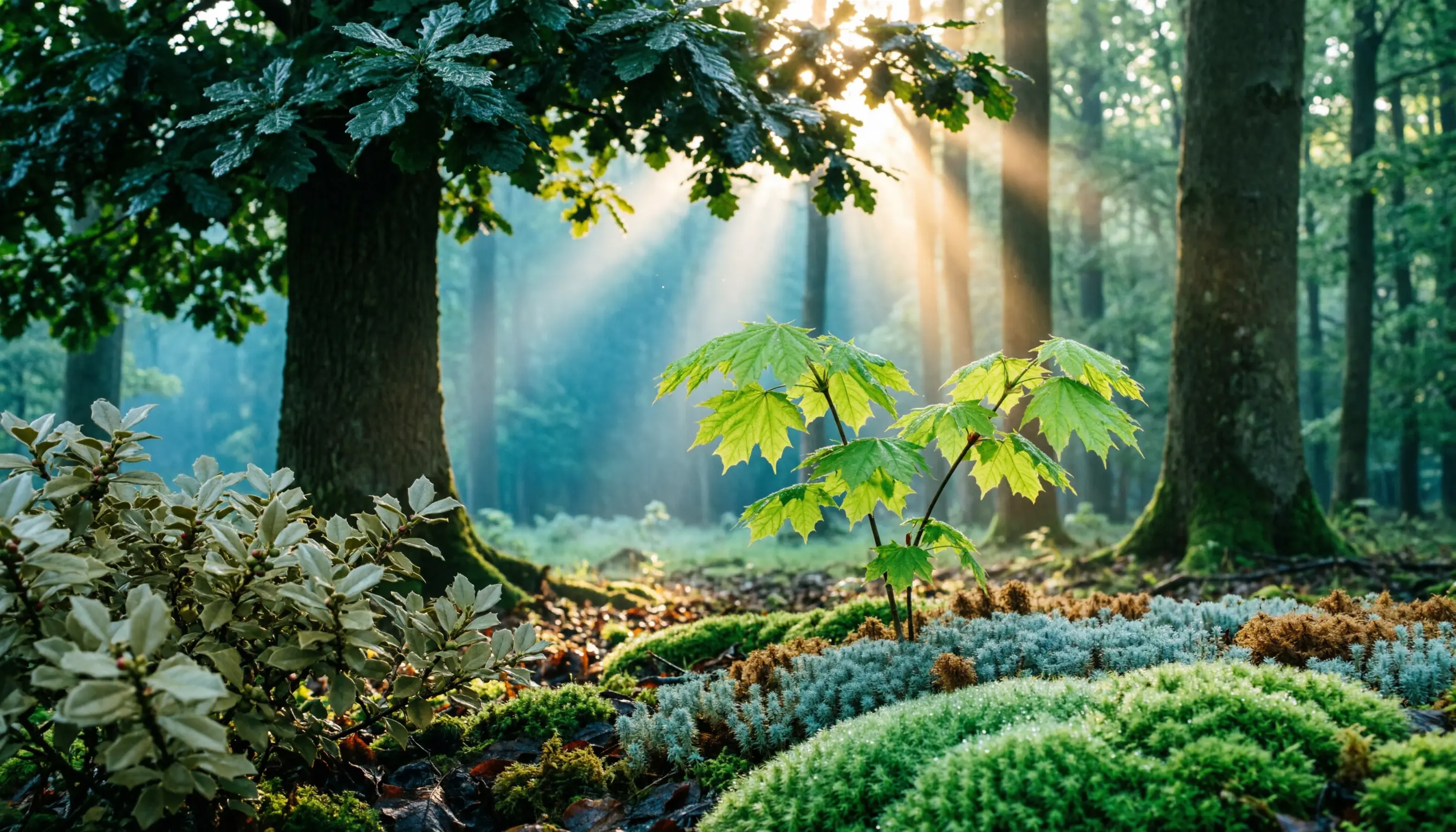
For client or team review, adjust count and resolution together so exploration stays quick before moving to polished output, then use the result as a clearer brief for final polishing.
Teams can reuse the same prompt structure by keeping the model focus visible: Alibaba Wan 2.7 Image for fast text-to-image batches.
Bring your prompt, choose the controls supported by Wan 2.7 Image, and use the workspace above to prepare a model-specific image generation brief.
Try Wan 2.7 Image