Official model guide and generator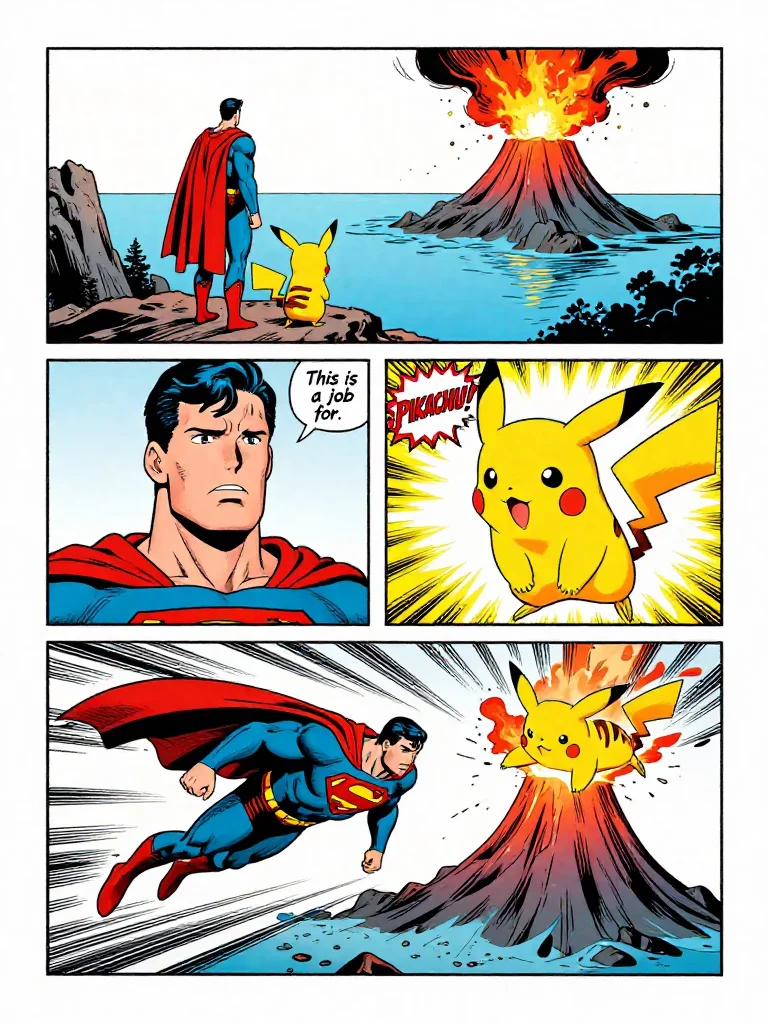
01
Z-Image concept directions
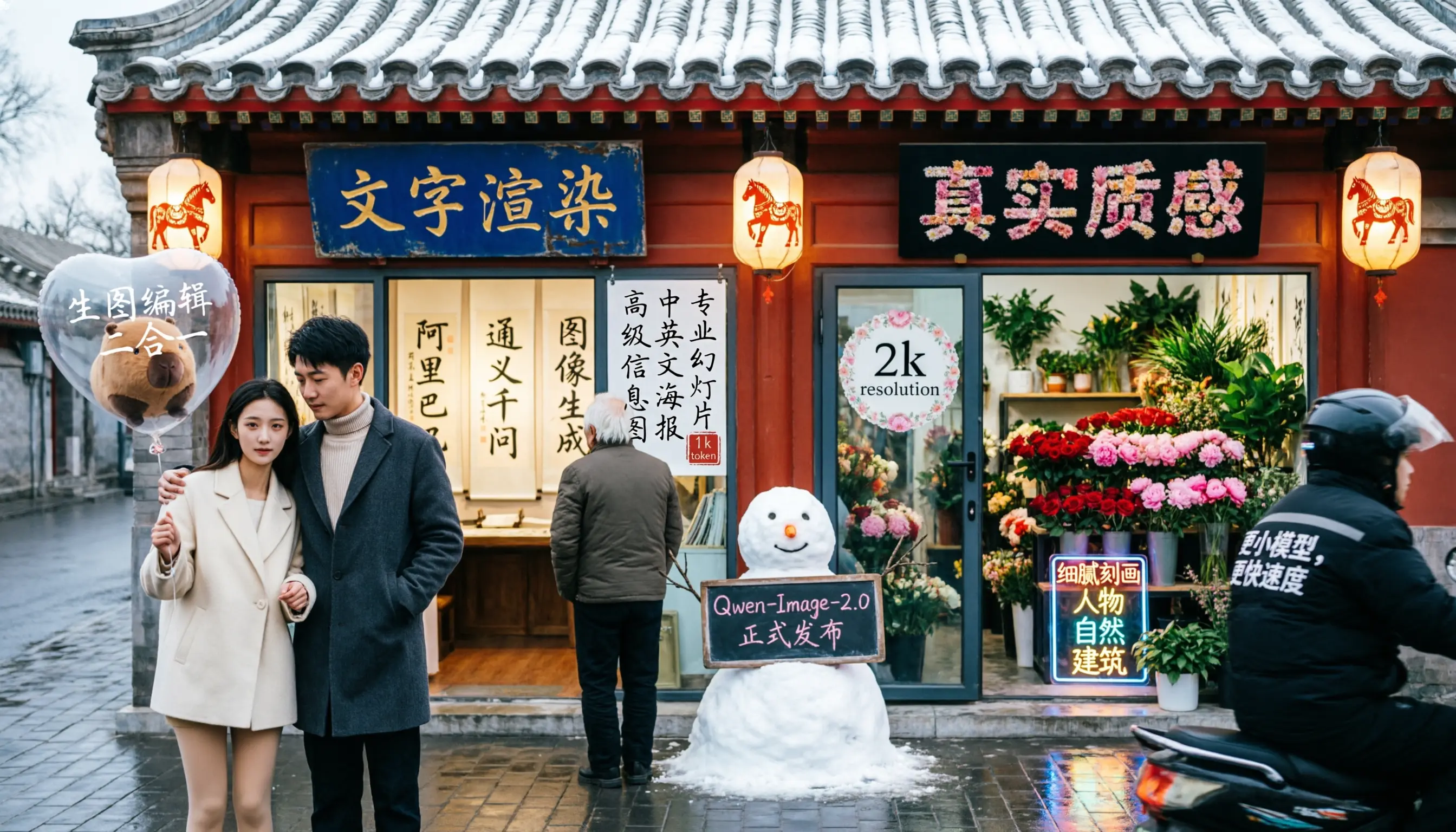
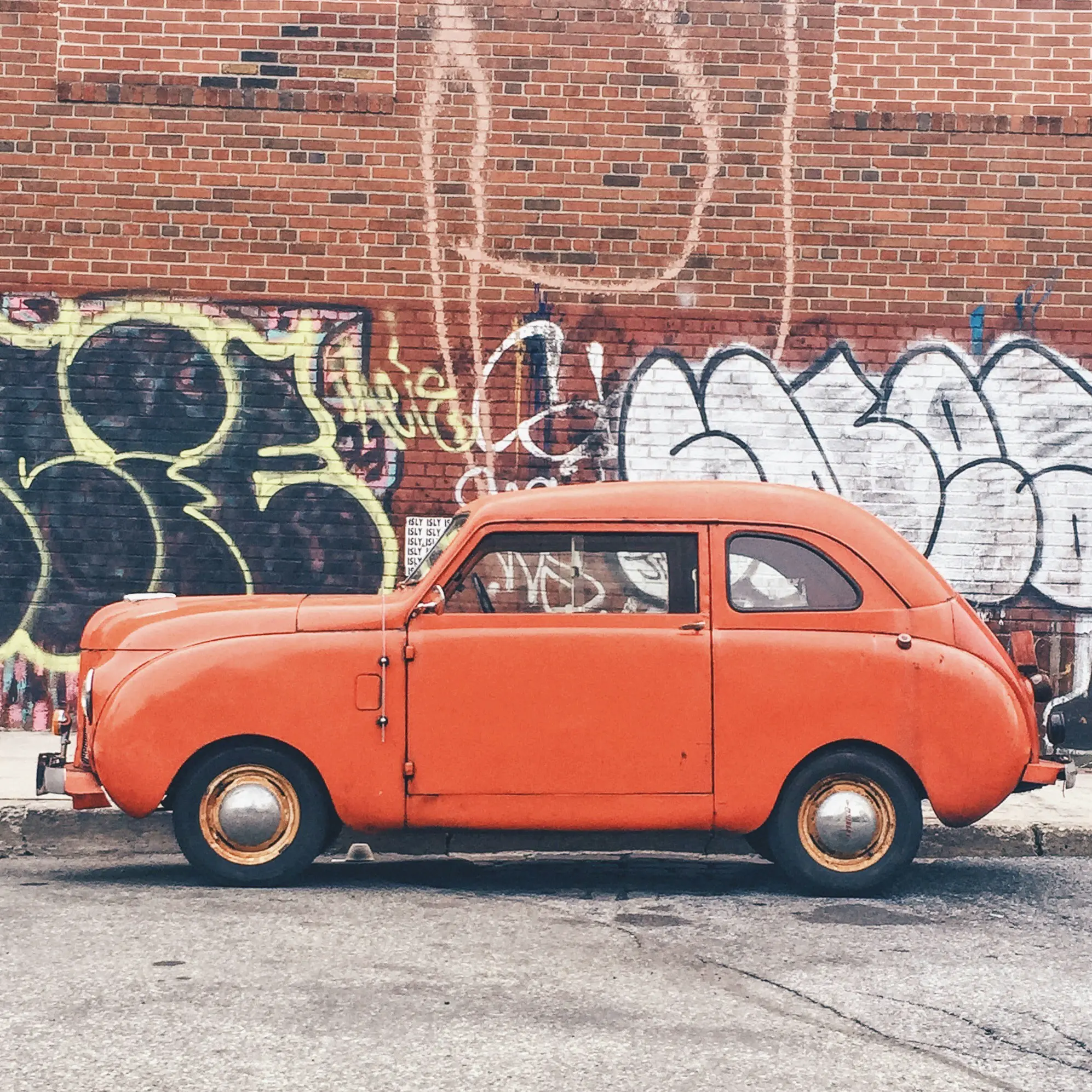
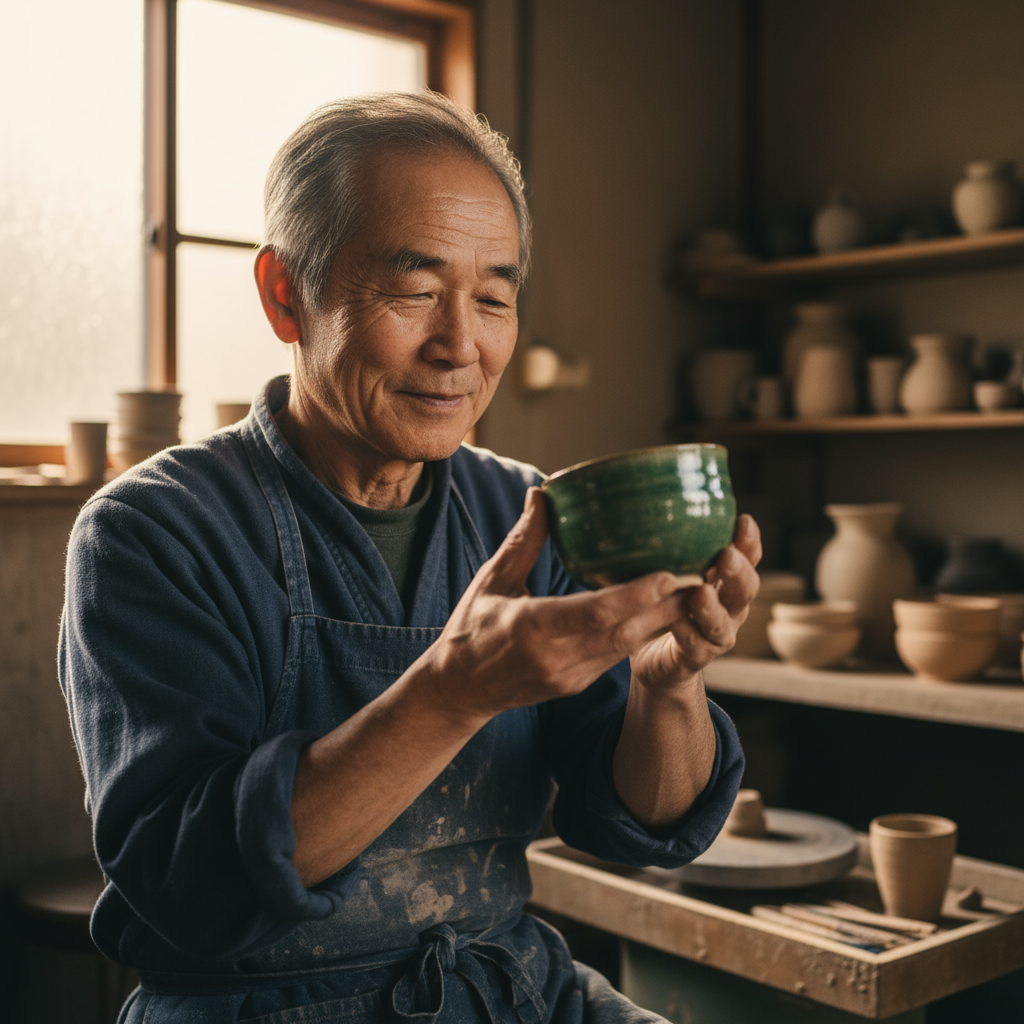
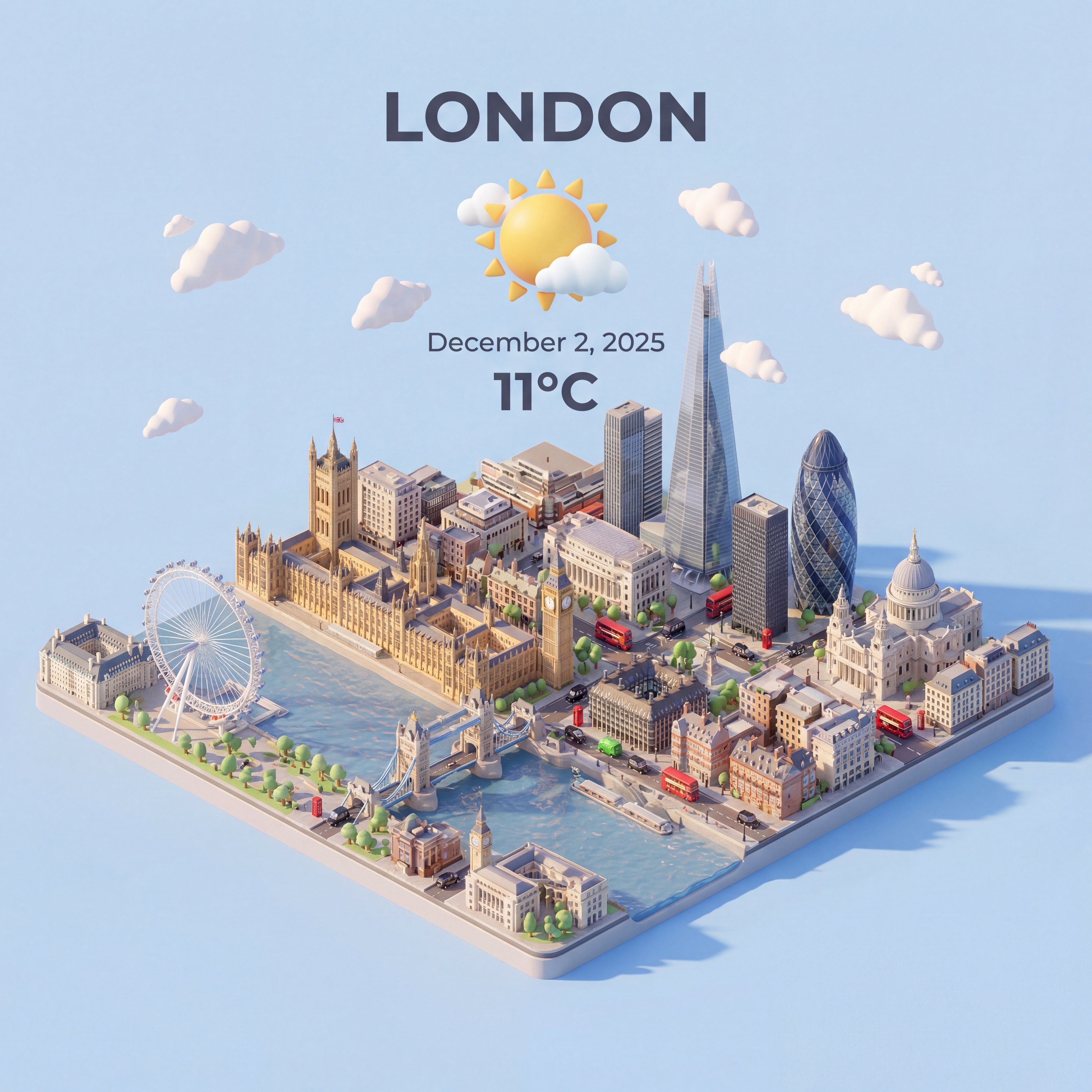
Z-Image works well for early visual direction because it supports Turbo-style speed, accessible pricing, photoreal people, product shots, bilingual text, and edit-friendly drafts.
Fast, low-cost Z-Image creation with prompt-first controls and official sample imagery.
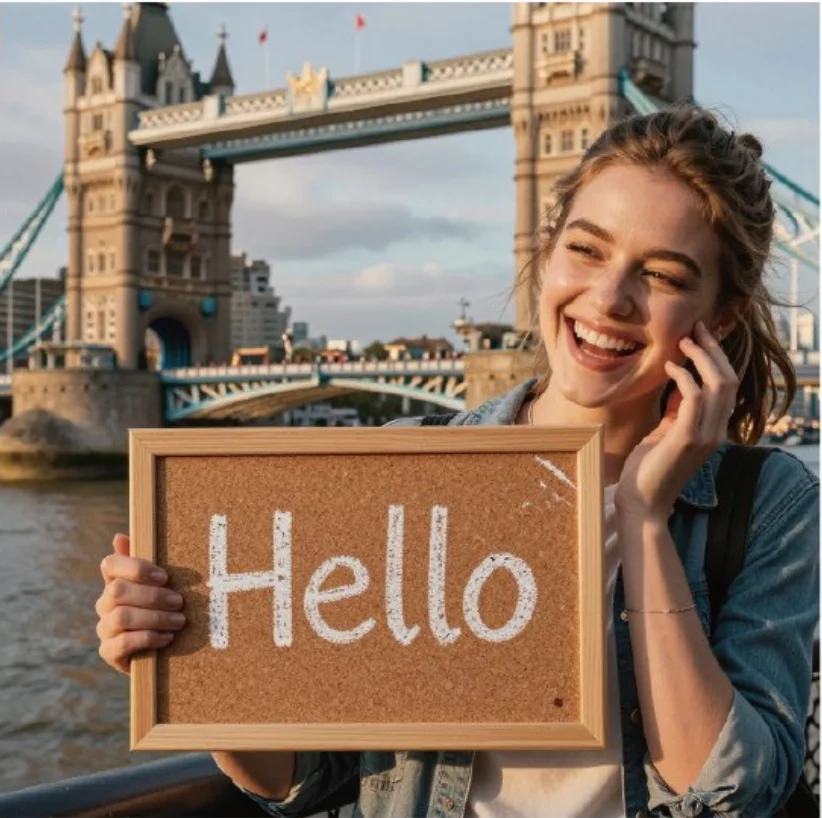
Use this page when speed and lightweight concept exploration matter more than heavy multi-reference editing. It is a good fit for quick portraits, product drafts, social visuals, and poster directions.
Use Z-Image when you need fast, low-cost prompt iteration from Zhipu AI. Start from final placement and budget: product tile, vertical poster, thumbnail, or exploratory concept batch.
Before generating, write one compact prompt with subject, lighting, surface texture, camera angle, Chinese or English text, and what should stay unchanged.
keep ratios simple and run several small prompt variations before choosing a higher-stakes direction.
After generation, compare sharpness, readable text, hands, brand color, and whether the result is strong enough to refine in an editor.
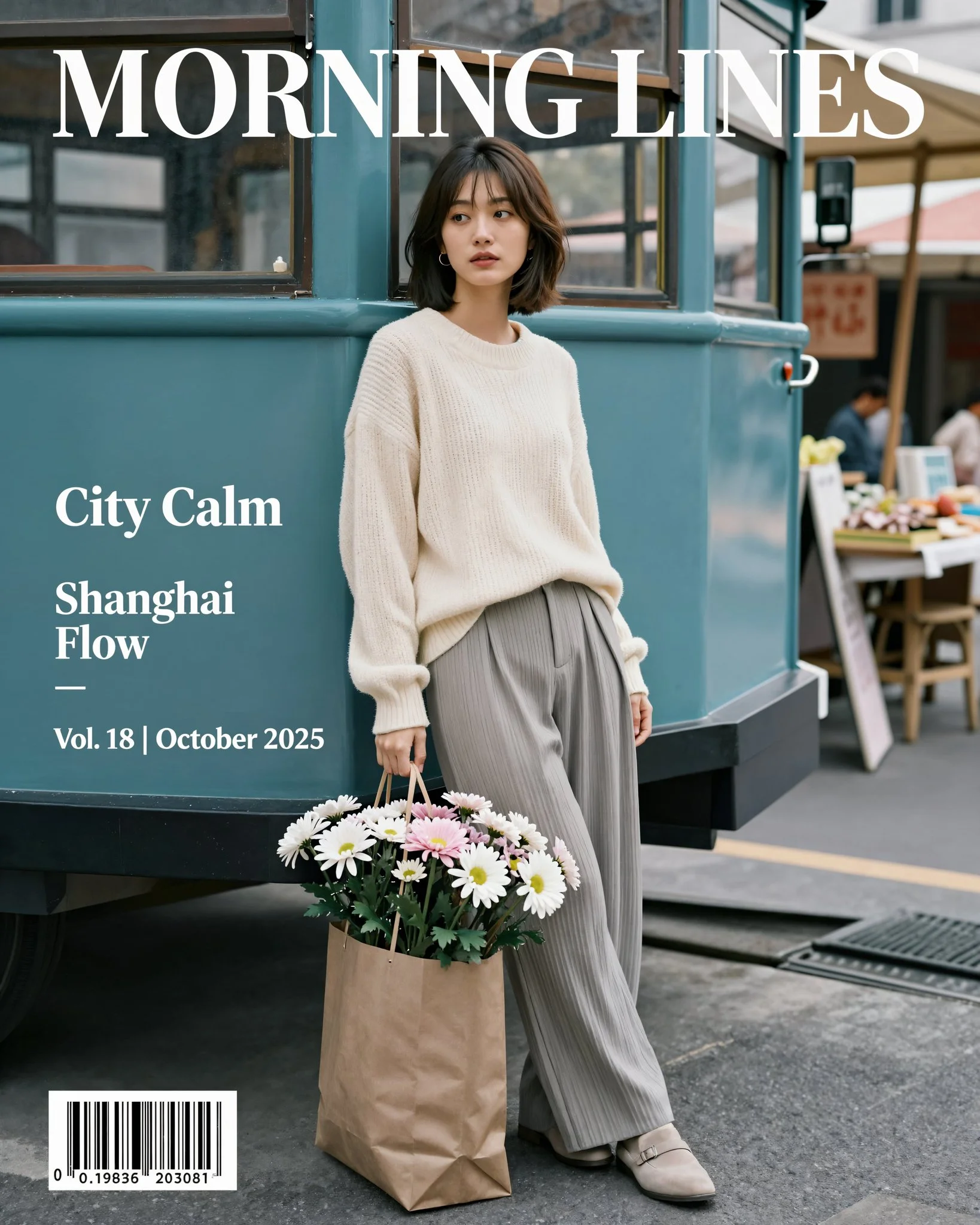
Z-Image is positioned around fast, controllable image synthesis, with the public site highlighting Turbo-style speed, photoreal portraits, product photos, bilingual text rendering, and editable workflows.
Z-Image official siteZ-Image is described around Turbo-style speed, accessible pricing, photoreal people, product shots, bilingual text, and edit-friendly drafts, so the workflow stays close to what the model is built to do.
The workspace asks you to write one compact prompt with subject, lighting, surface texture, camera angle, Chinese or English text, and what should stay unchanged.
Use Z-Image with a clear review pass: compare sharpness, readable text, hands, brand color, and whether the result is strong enough to refine in an editor.
Z-Image works well for early visual direction because it supports Turbo-style speed, accessible pricing, photoreal people, product shots, bilingual text, and edit-friendly drafts.
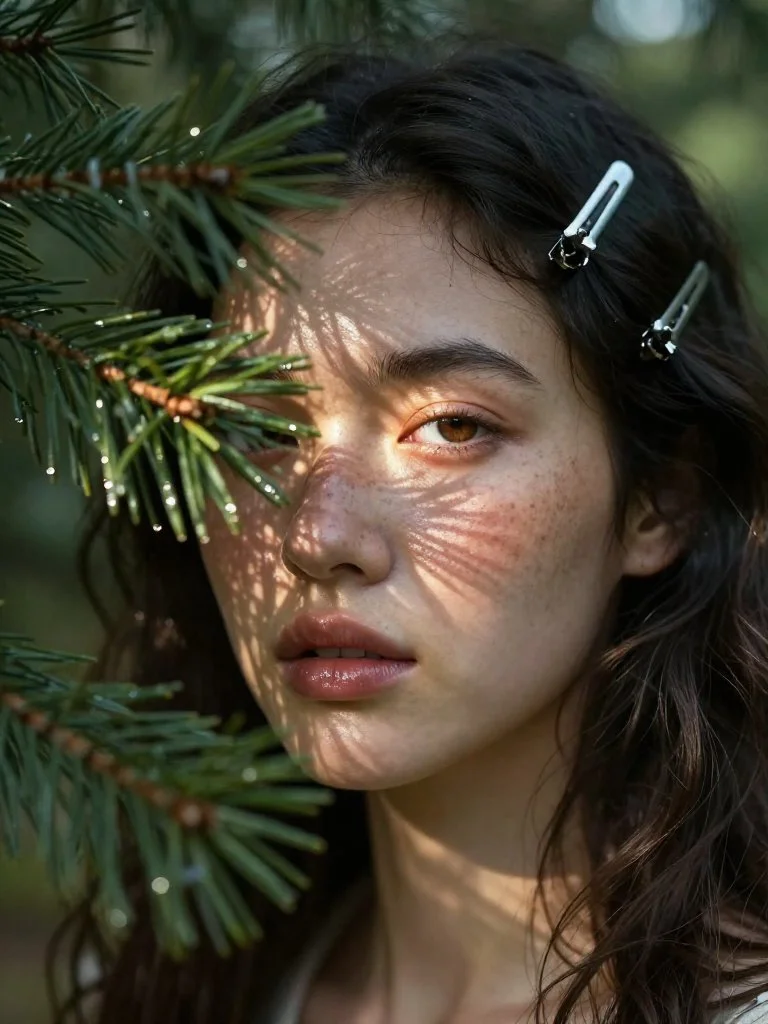
For client or team review, keep ratios simple and run several small prompt variations before choosing a higher-stakes direction, then use the result as a clearer brief for final polishing.
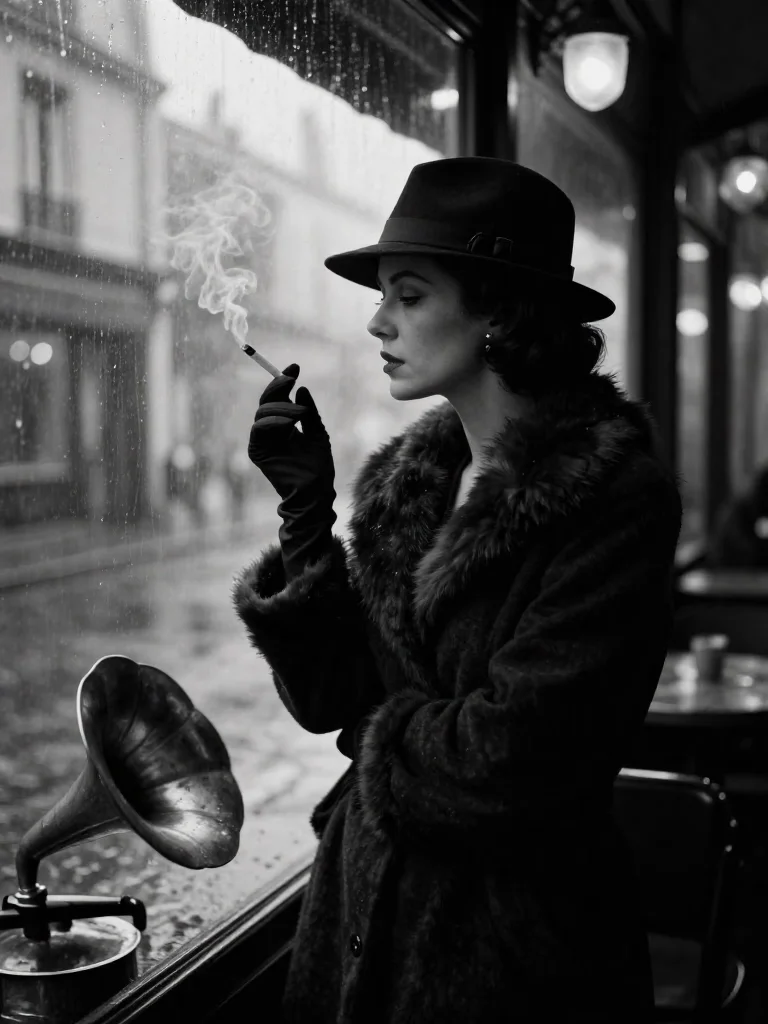
Teams can reuse the same prompt structure by keeping the model focus visible: fast, low-cost prompt iteration from Zhipu AI.
Bring your prompt, choose the controls supported by z-image, and use the workspace above to prepare a model-specific image generation brief.
Try z-image