Official model guide and generator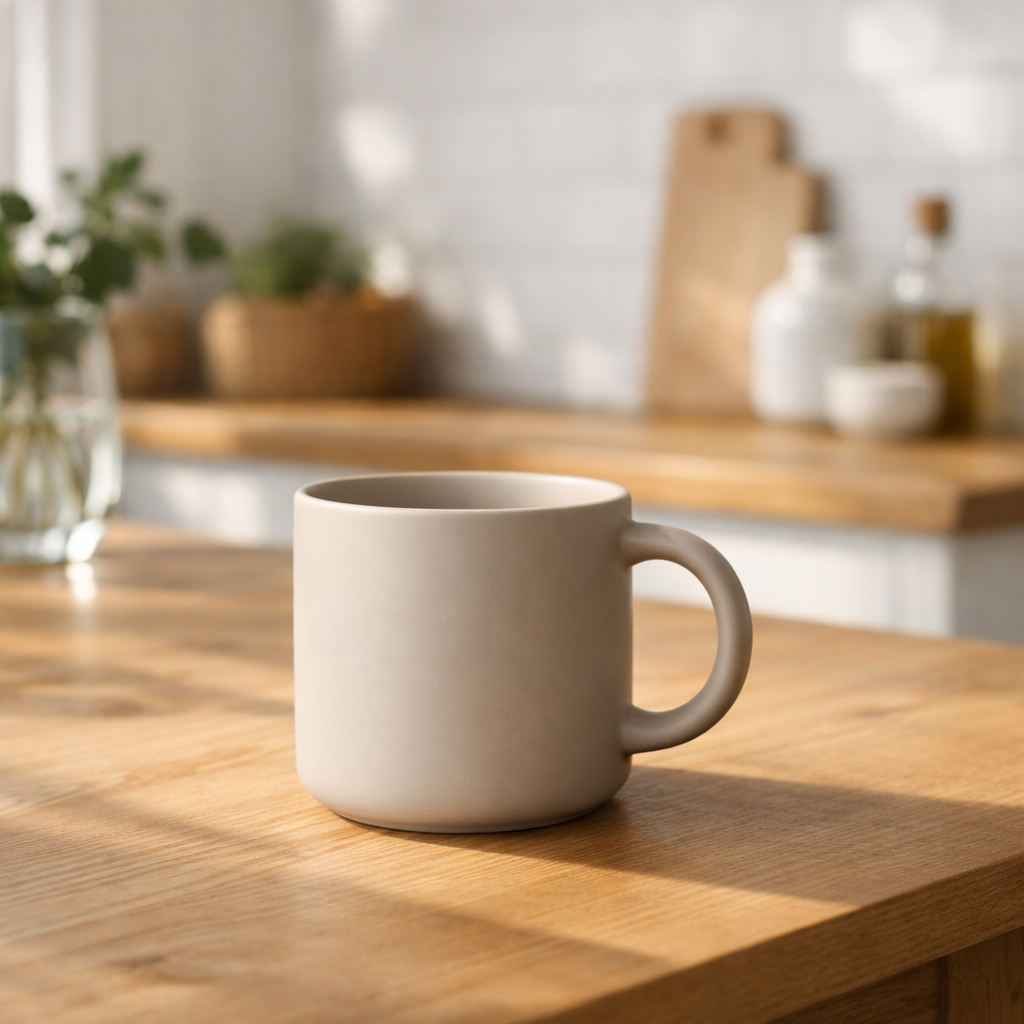
01
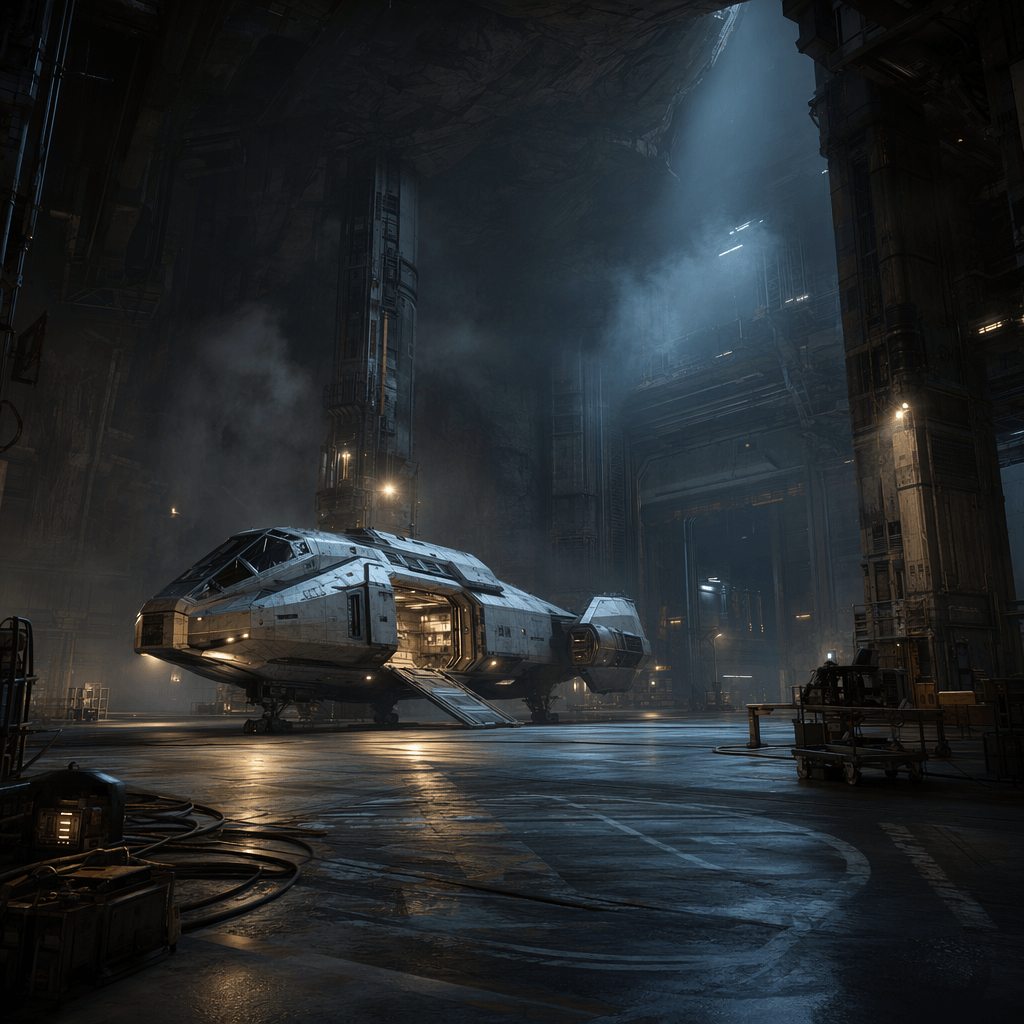
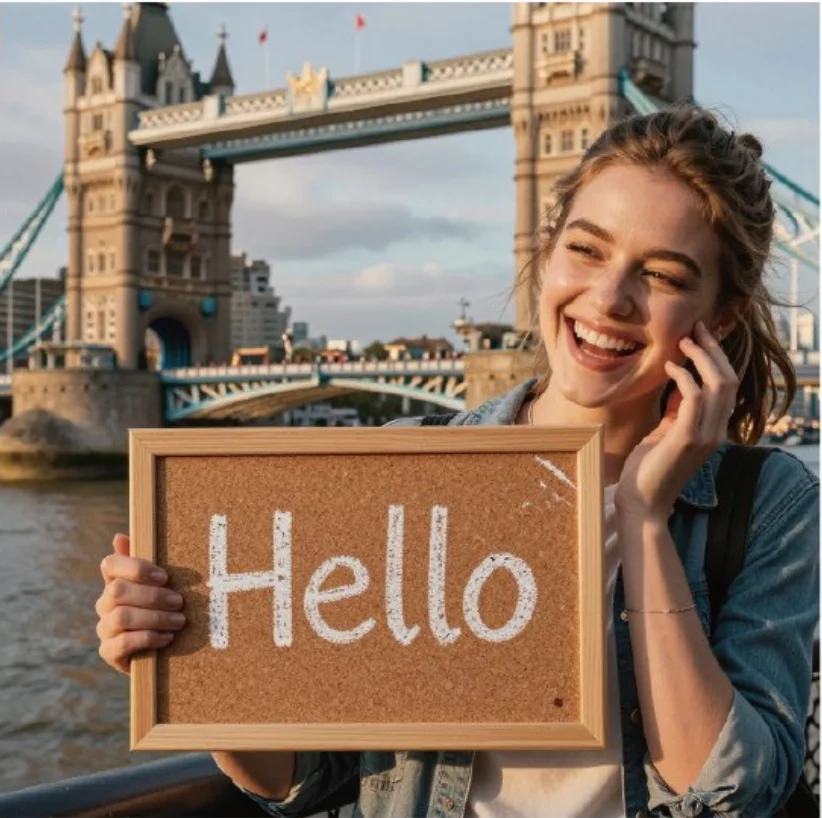
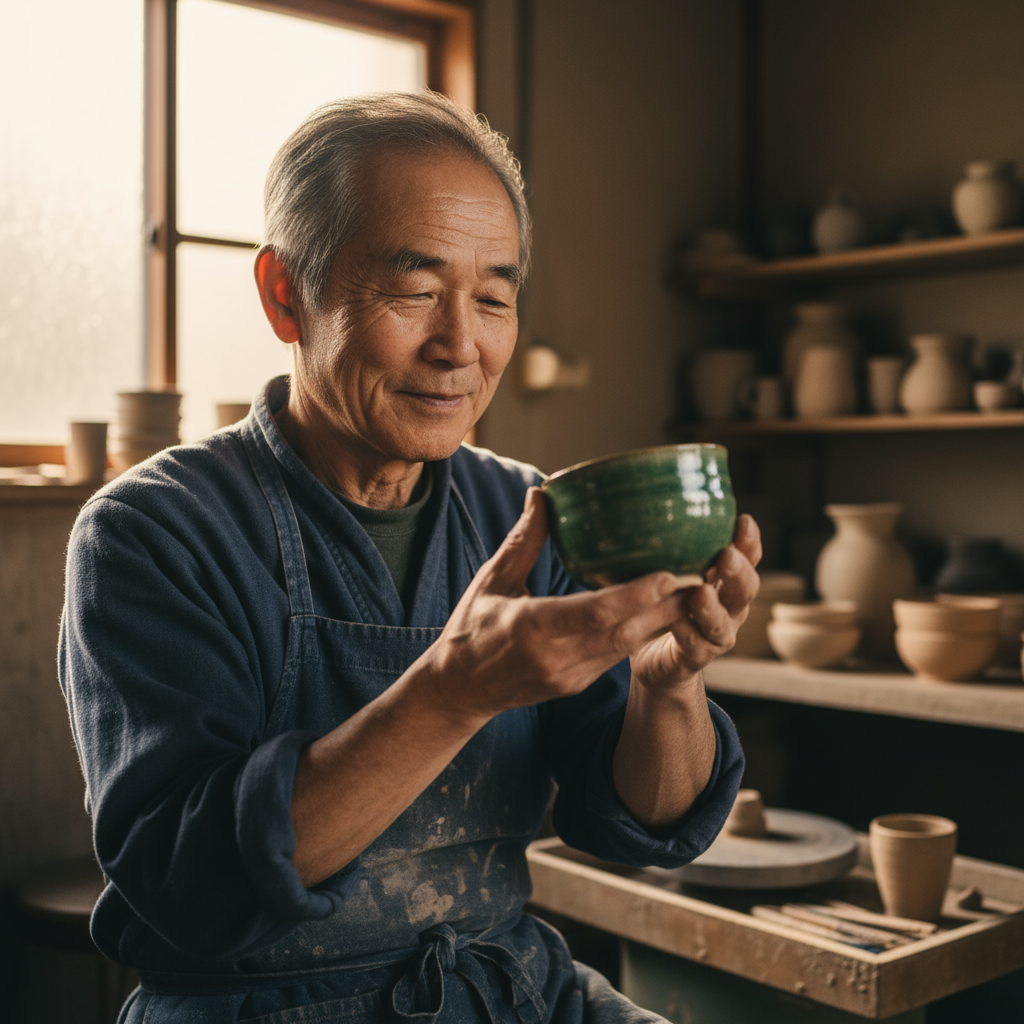
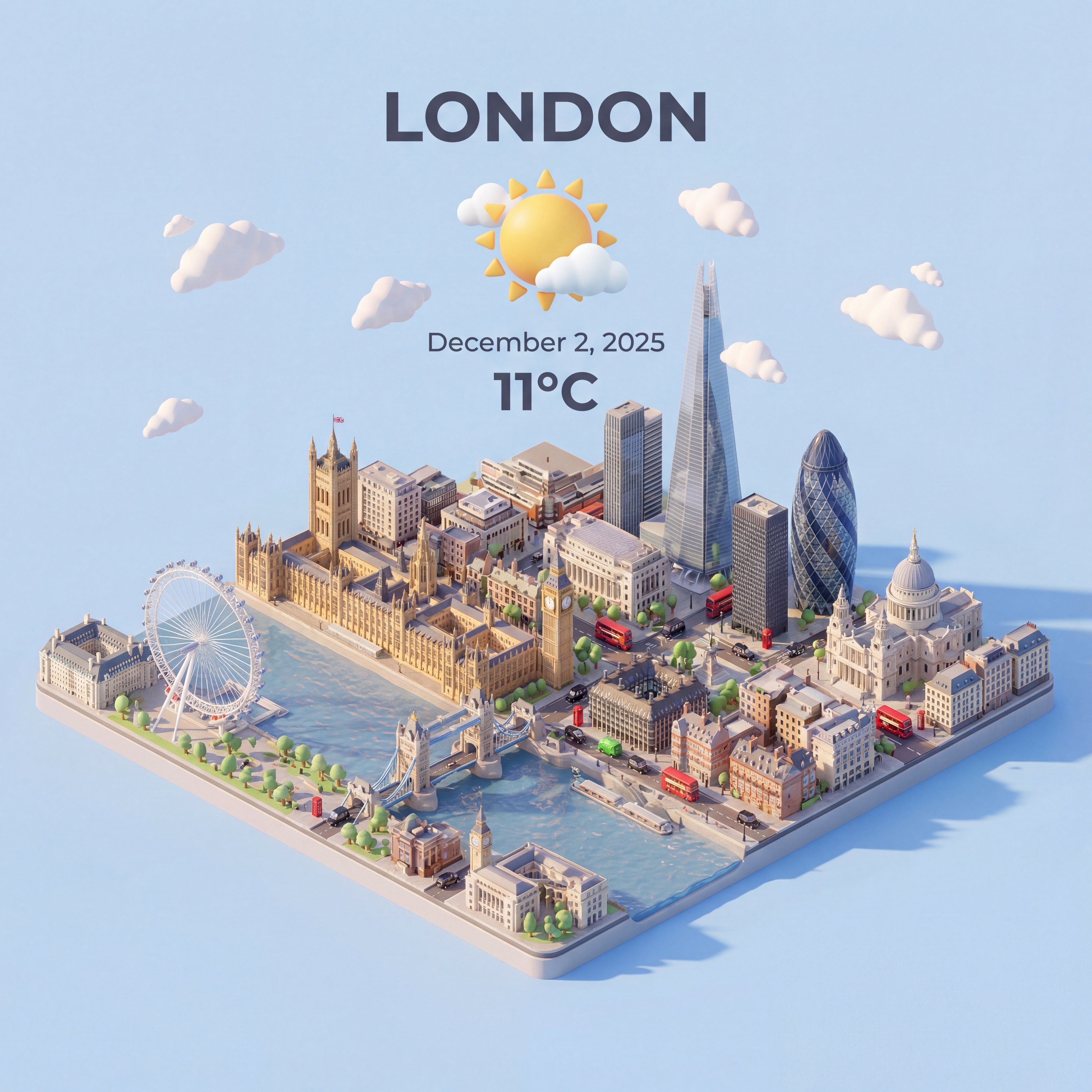
GPT Image 2 concept directions
GPT Image 2 works well for early visual direction because it supports multi-reference input, masks, 2K and 4K sizes, stronger output control, and production review workflows.
GPT Image 2 generation and editing with OpenAI controls, 4K sizes, and references.
Use GPT Image 2 when the brief needs a polished OpenAI output, 4K-capable sizing, multi-reference inputs, and a clear review path for text, composition, and brand details.
Use GPT Image 2 when you need OpenAI GPT Image 2 for final image generation and editing. Plan the final asset first: delivery size, references, masks, aspect ratio, and the criteria for approval.
Before generating, upload only useful references and describe identity, product shape, lighting, text, and protected areas clearly.
match size and quality to the export goal because GPT Image 2 can handle more serious final creative work.
After generation, inspect typography, composition, masked regions, product accuracy, and whether the image is ready to download.
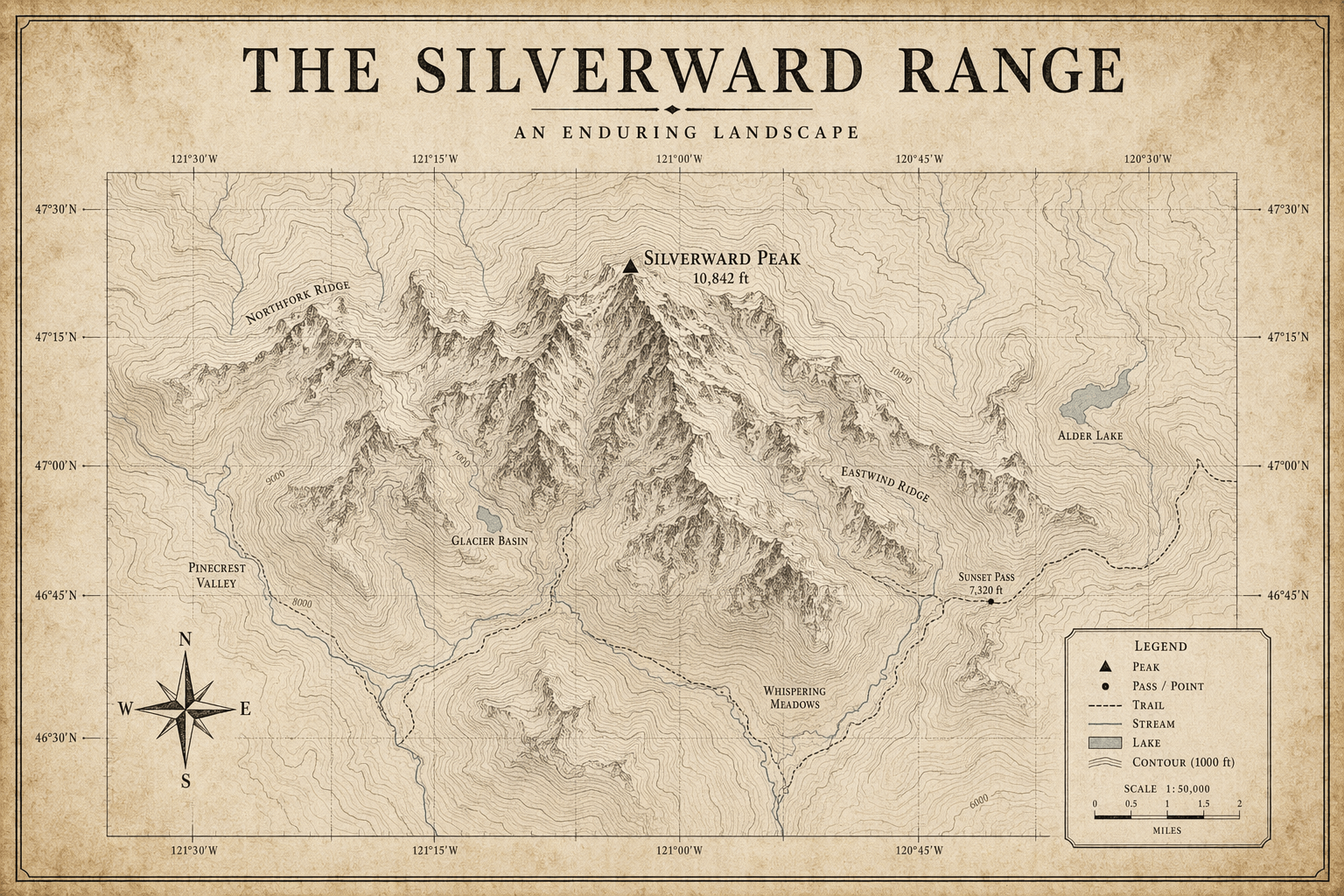
OpenAI's docs describe current image models with text-to-image, editing, multiple references, popular square, portrait, landscape, 2K, and 4K sizes, quality options, masks, and content policy filtering.
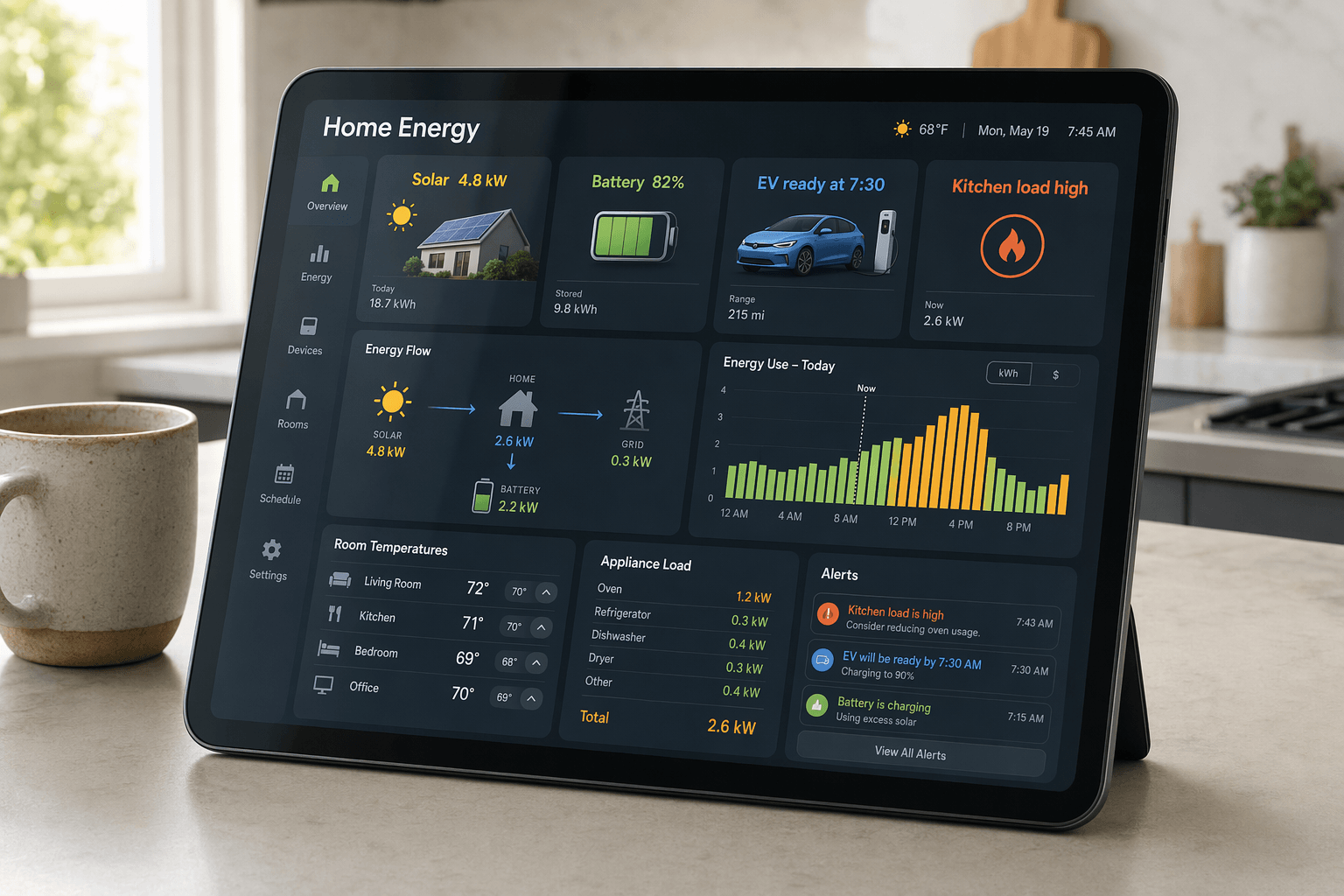
OpenAI image generation docsGPT Image 2 is described around multi-reference input, masks, 2K and 4K sizes, stronger output control, and production review workflows, so the workflow stays close to what the model is built to do.
The workspace asks you to upload only useful references and describe identity, product shape, lighting, text, and protected areas clearly.
Use GPT Image 2 with a clear review pass: inspect typography, composition, masked regions, product accuracy, and whether the image is ready to download.
GPT Image 2 works well for early visual direction because it supports multi-reference input, masks, 2K and 4K sizes, stronger output control, and production review workflows.
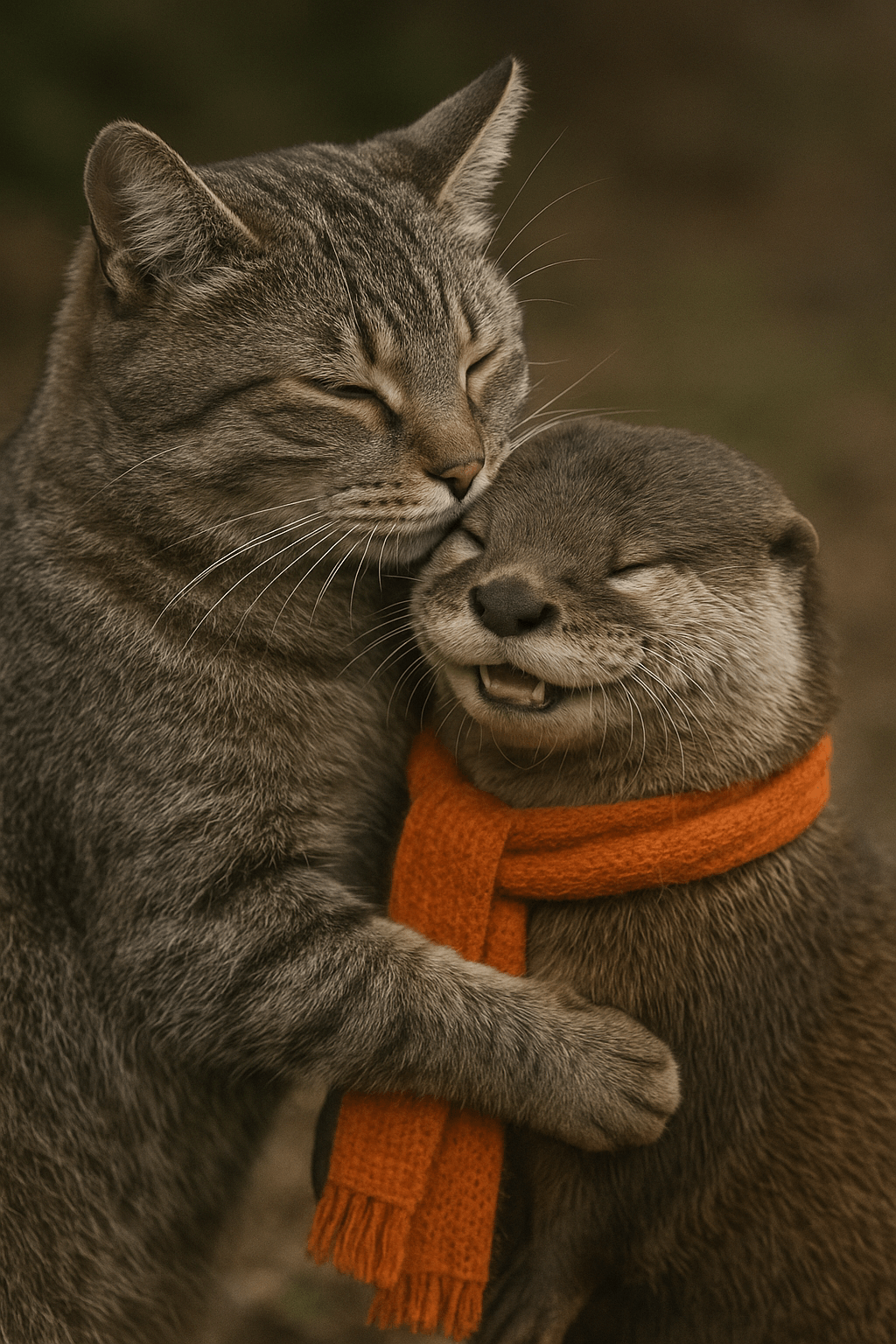
For client or team review, match size and quality to the export goal because GPT Image 2 can handle more serious final creative work, then use the result as a clearer brief for final polishing.

Teams can reuse the same prompt structure by keeping the model focus visible: OpenAI GPT Image 2 for final image generation and editing.
Bring your prompt, choose the controls supported by GPT Image 2, and use the workspace above to prepare a model-specific image generation brief.
Try GPT Image 2