Official model guide and generator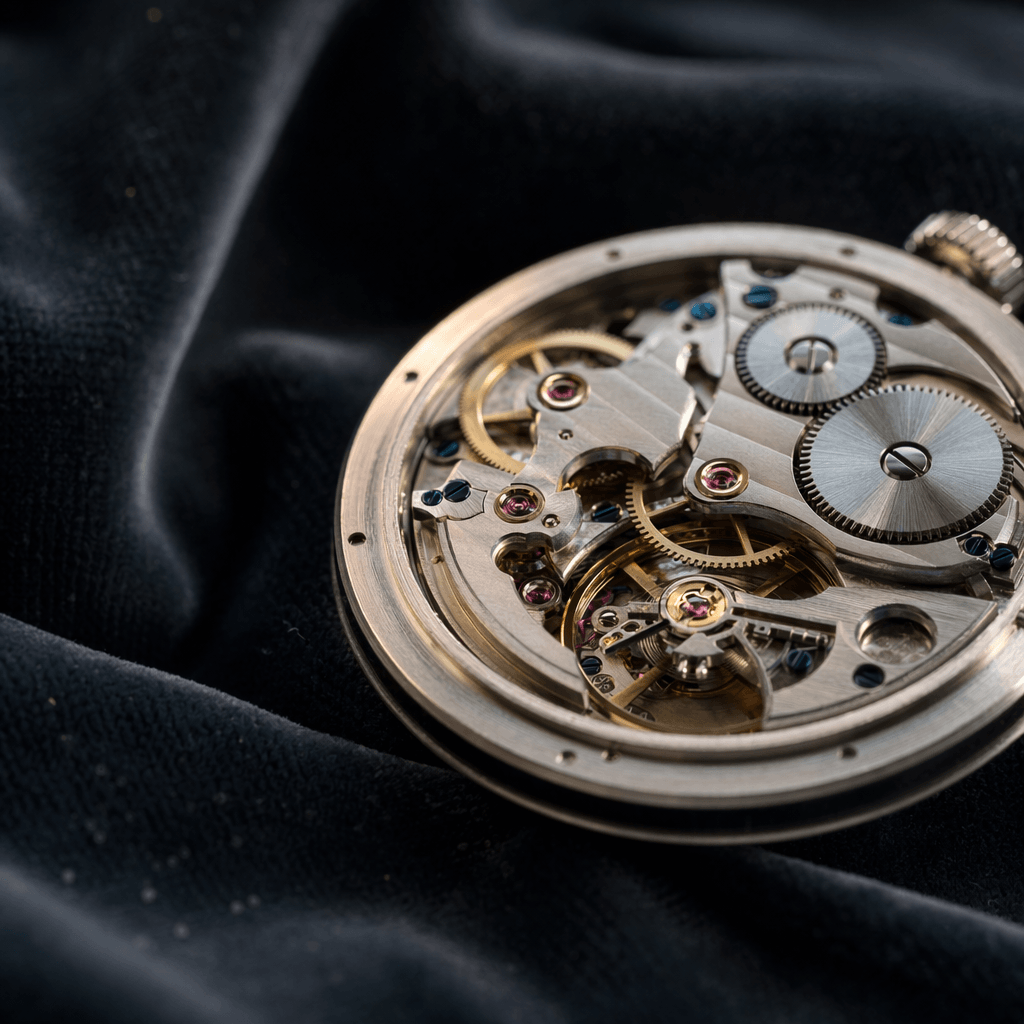
01
GPT Image 1.5 concept directions
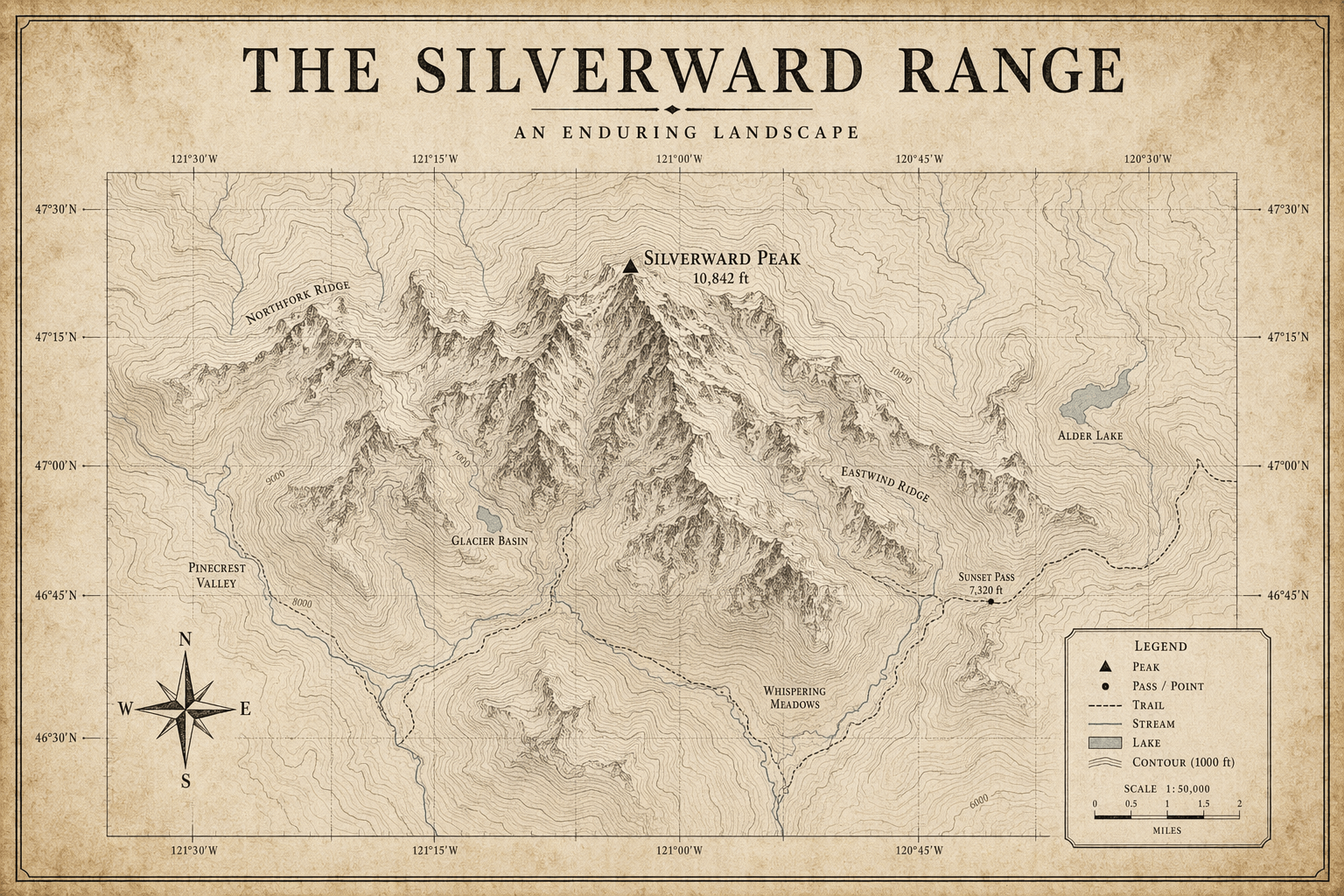
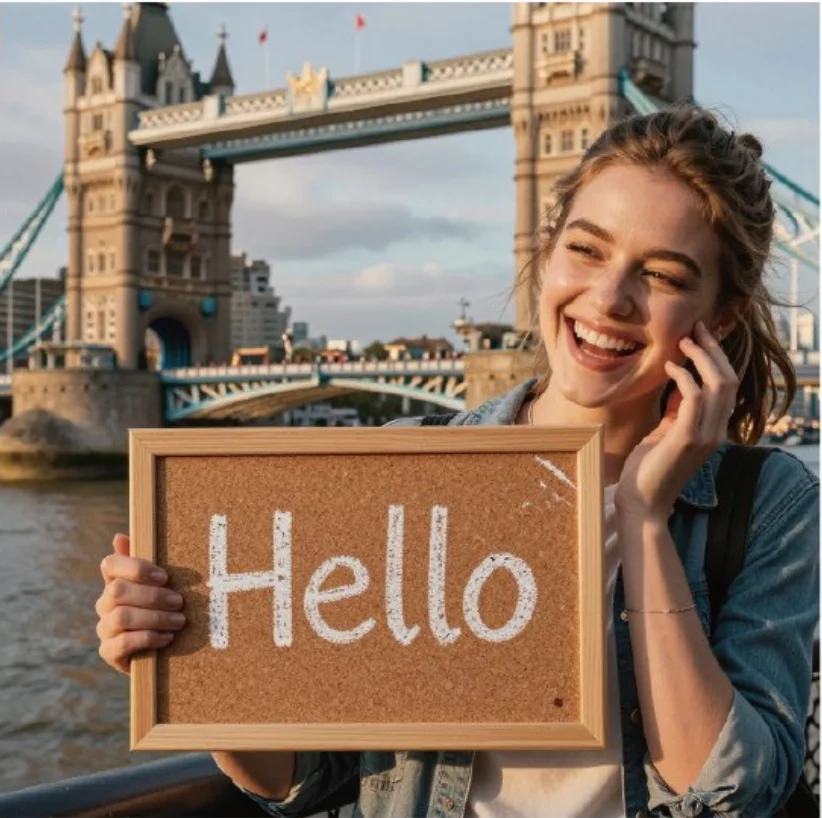
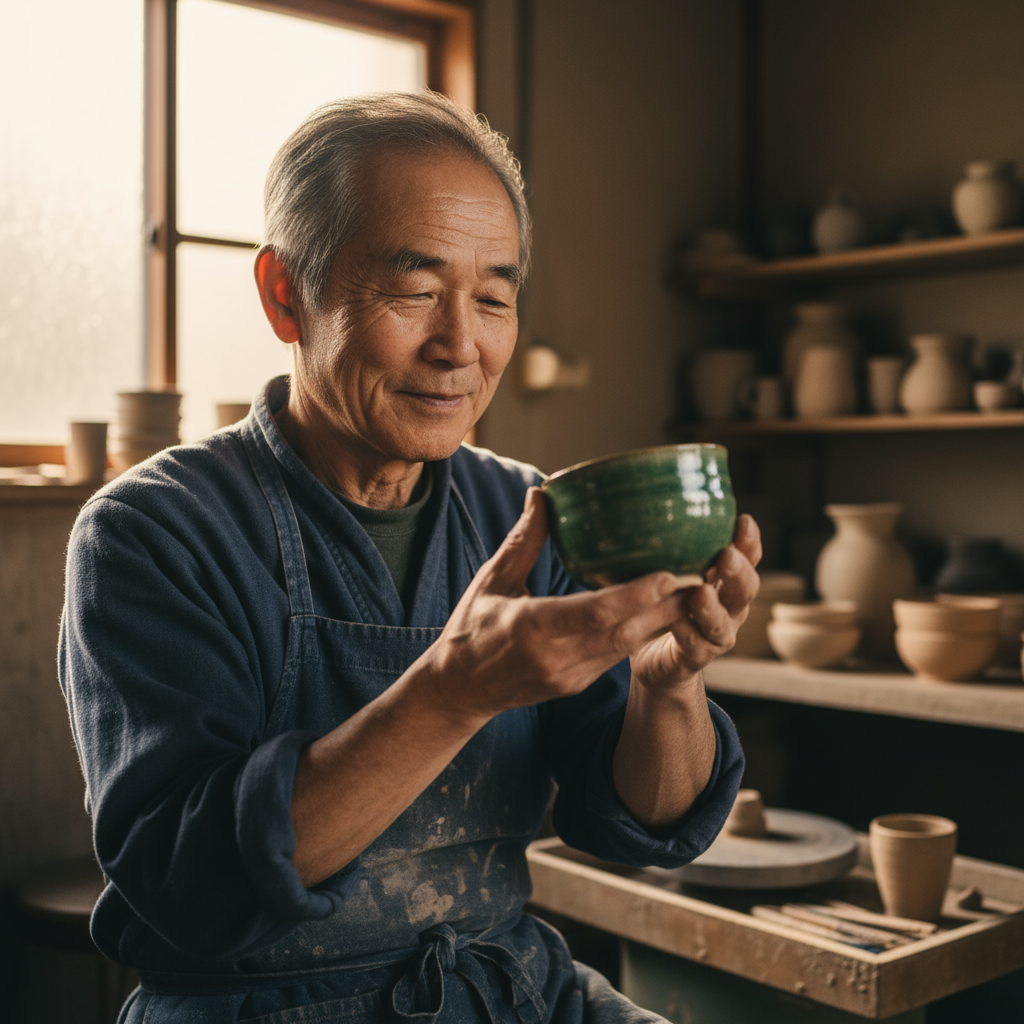
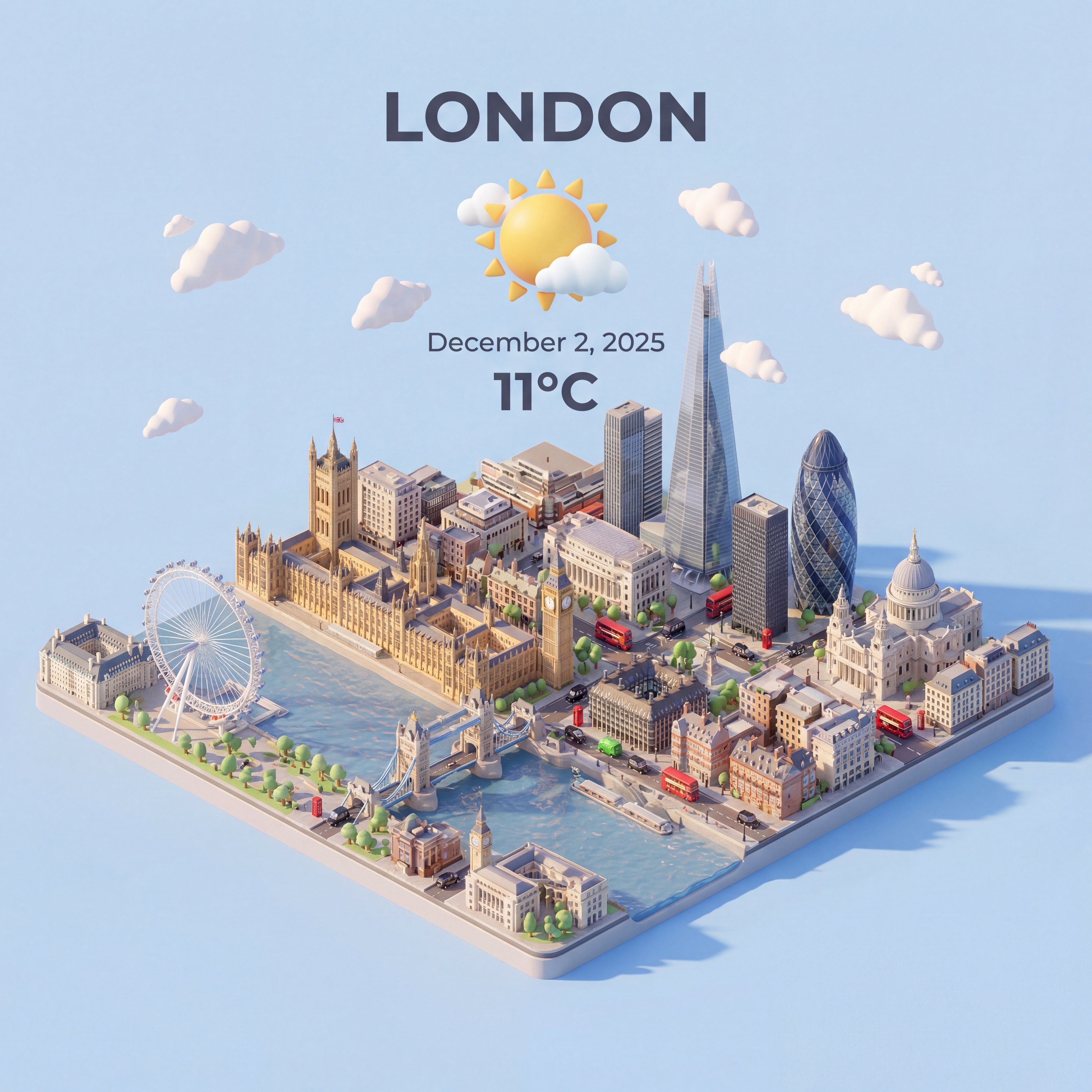
GPT Image 1.5 works well for early visual direction because it supports high-detail drafts, reference imagery, reliable instruction following, and practical quality controls.
GPT Image 1.5 for balanced OpenAI image generation, editing, and high-detail drafts.
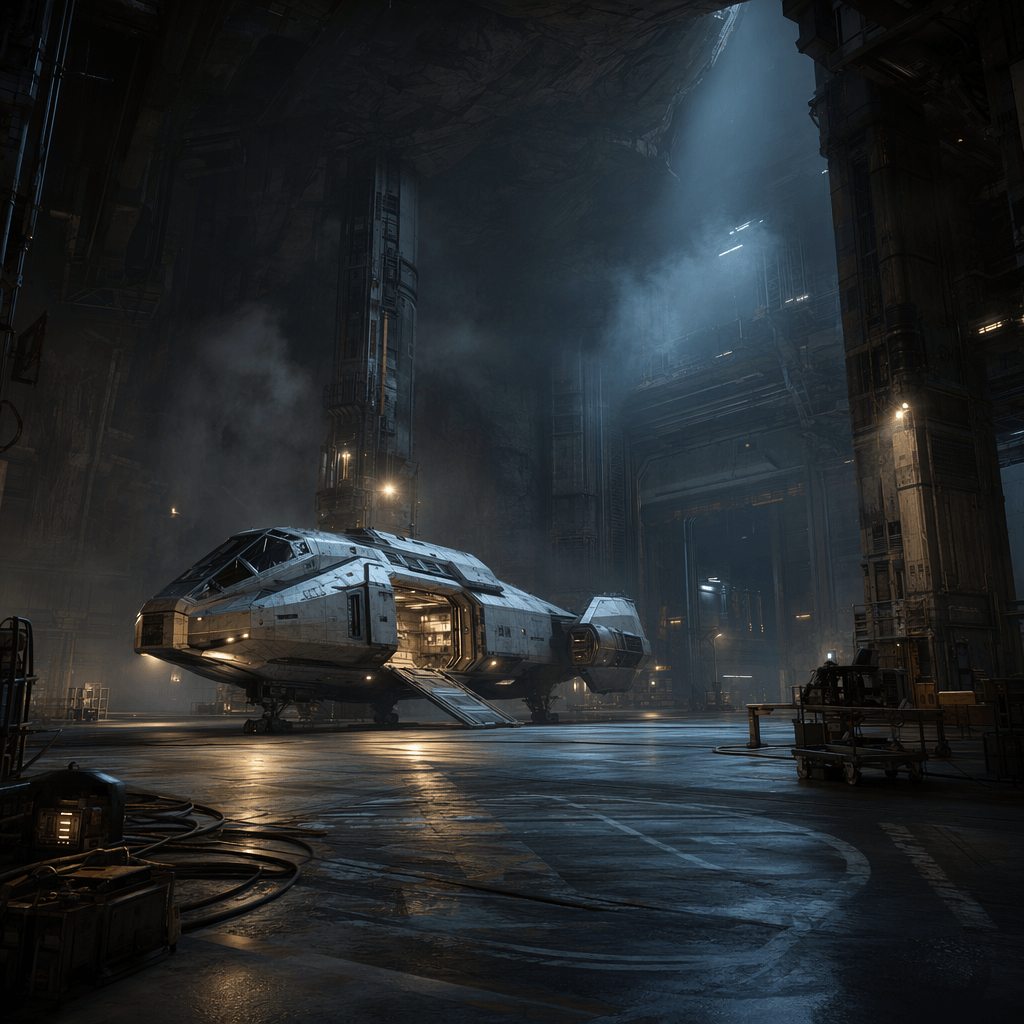
Use GPT Image 1.5 when you want an OpenAI image workflow with high-detail generation, prompt-guided edits, reference images, and quality modes without jumping straight to maximum-resolution output.
Use GPT Image 1.5 when you need OpenAI GPT Image 1.5 for balanced generation and editing. Choose it for fast OpenAI-style drafts where prompt clarity matters more than extreme resolution.
Before generating, provide the subject, scene, intended use, references, and the exact edits or details to preserve.
use medium or high quality depending on whether you are exploring concepts or preparing a reviewable asset.
After generation, check alignment with instructions, object details, text-like areas, and whether the draft needs another reference.
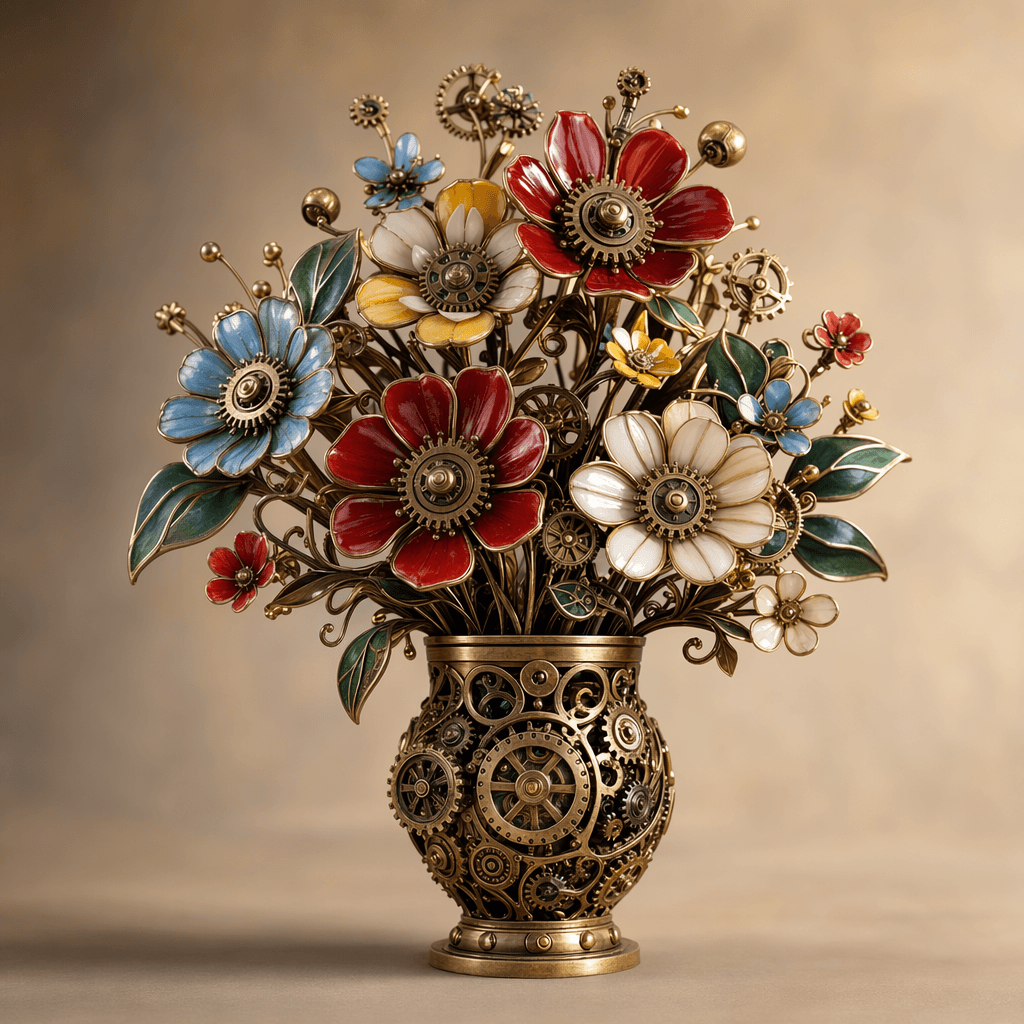
OpenAI's image generation docs cover text-to-image, image editing, multi-image inputs, masks, quality choices, output formats, and practical constraints around text rendering and composition control.
OpenAI image generation docsGPT Image 1.5 is described around high-detail drafts, reference imagery, reliable instruction following, and practical quality controls, so the workflow stays close to what the model is built to do.
The workspace asks you to provide the subject, scene, intended use, references, and the exact edits or details to preserve.
Use GPT Image 1.5 with a clear review pass: check alignment with instructions, object details, text-like areas, and whether the draft needs another reference.
GPT Image 1.5 works well for early visual direction because it supports high-detail drafts, reference imagery, reliable instruction following, and practical quality controls.
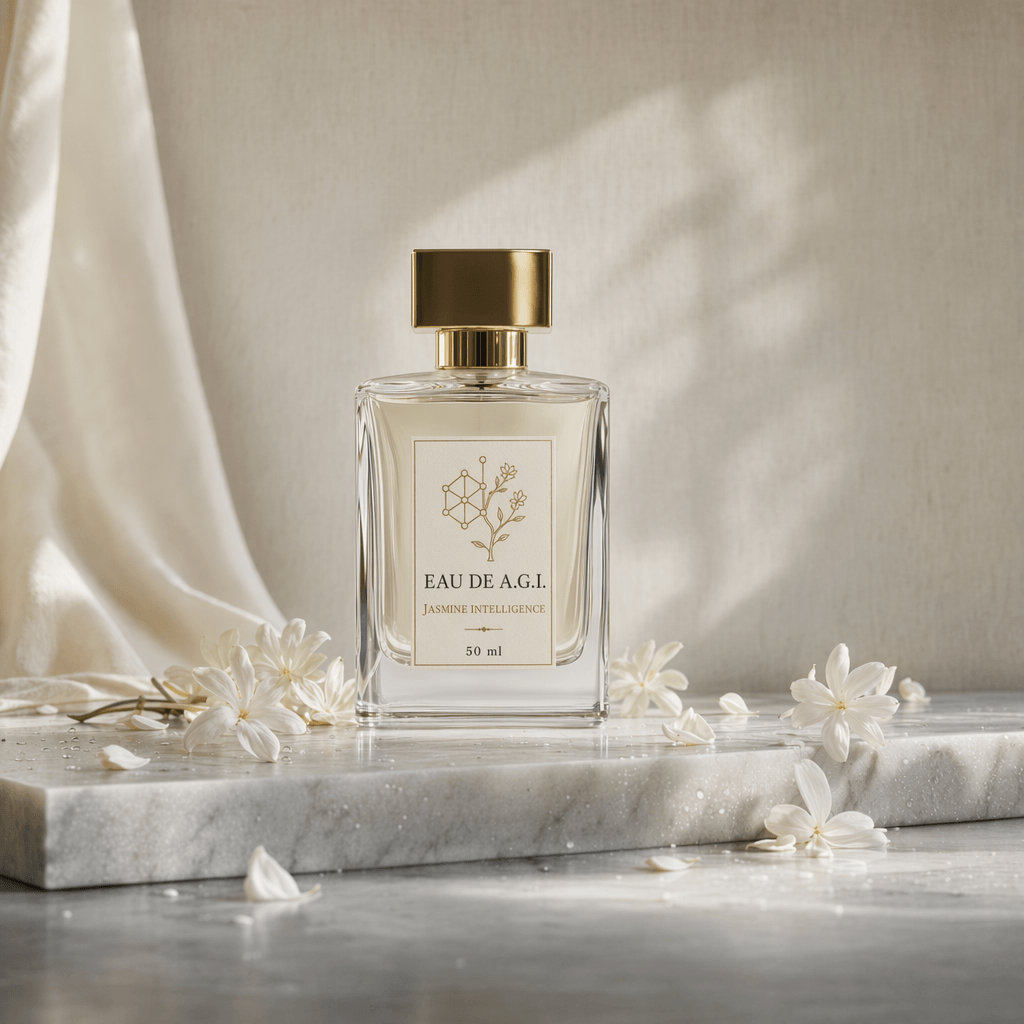
For client or team review, use medium or high quality depending on whether you are exploring concepts or preparing a reviewable asset, then use the result as a clearer brief for final polishing.
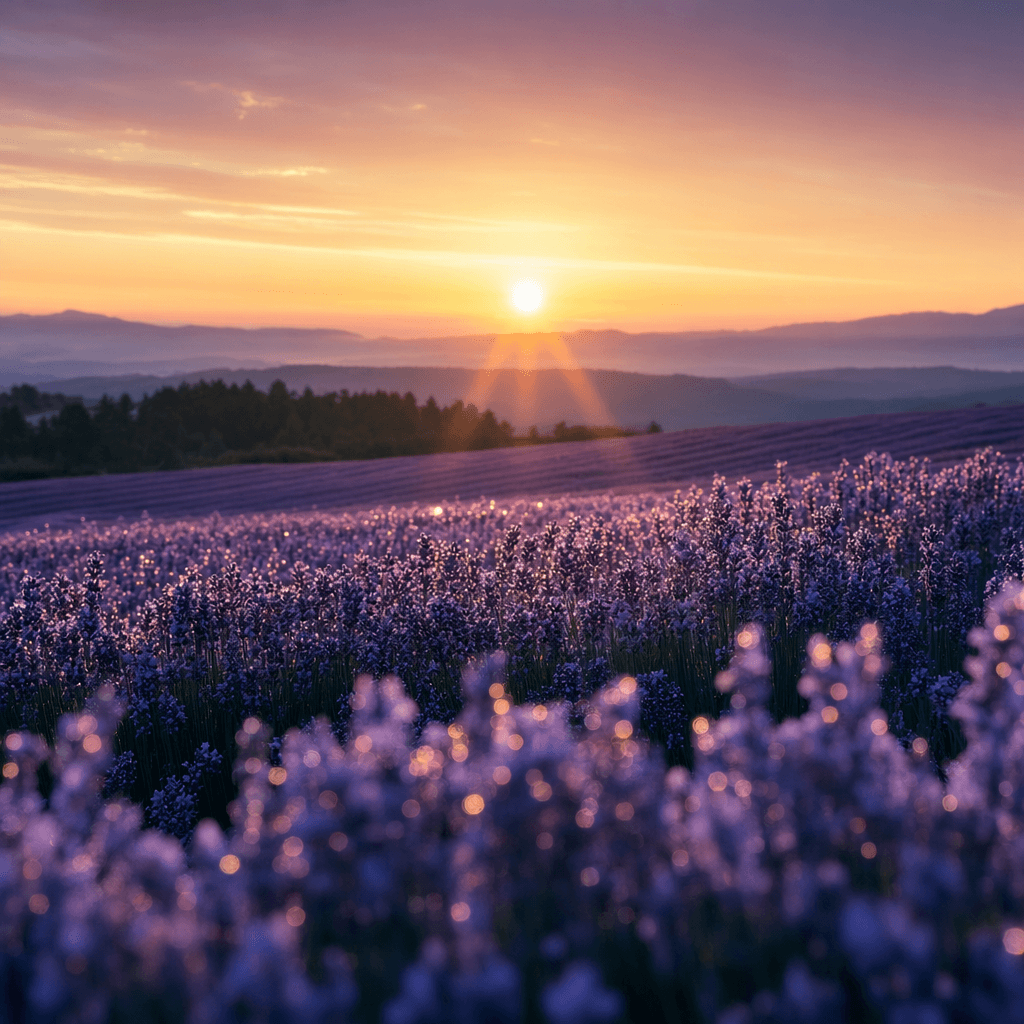
Teams can reuse the same prompt structure by keeping the model focus visible: OpenAI GPT Image 1.5 for balanced generation and editing.
Bring your prompt, choose the controls supported by GPT Image 1.5, and use the workspace above to prepare a model-specific image generation brief.
Try GPT Image 1.5