Official model guide and generator
01
Seedream 4.5 concept directions
Seedream 4.5 works well for early visual direction because it supports multi-image subject identification, detail preservation, dense text handling, and polished visual generation.
Seedream 4.5 for reference-faithful edits, dense text, and polished visual creatives.

Use Seedream 4.5 when the visual needs to preserve a face, product, lighting tone, or reference structure while still producing a designed final creative.
Use Seedream 4.5 when you need ByteDance Seedream 4.5 for reference-faithful creative work. Start from the subject or product that must remain recognizable, then add the scene, lighting, and output purpose.
Before generating, use reference images for identity, outfit, product shape, typography, or style so Seedream can preserve the important details.
set aspect ratio and quality around the destination: ecommerce, poster, character sheet, or editorial creative.
After generation, compare reference fidelity, text density, facial consistency, and whether small details survived the edit.
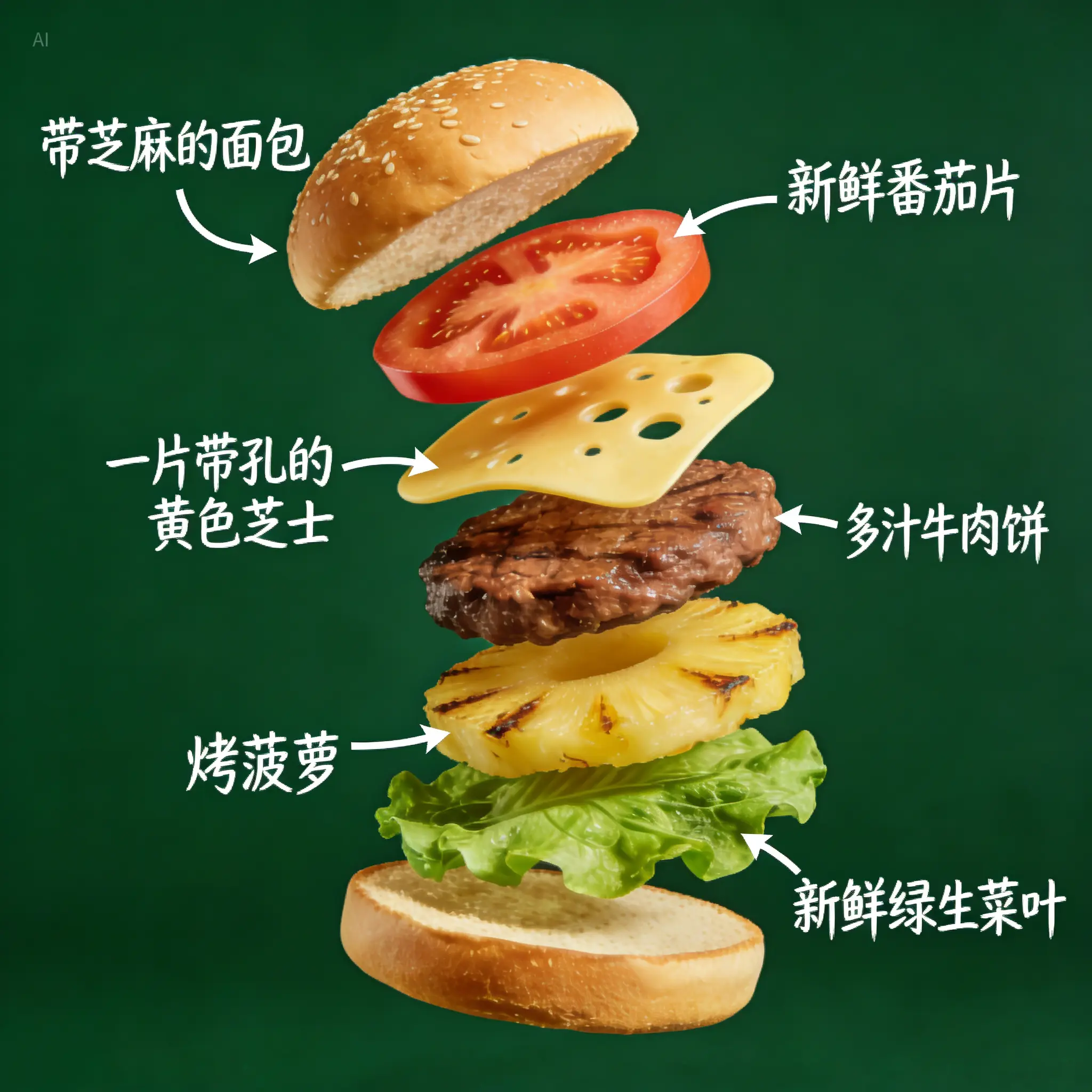
ByteDance describes Seedream 4.5 as an all-round model scale-up that better identifies subjects in multi-image editing, preserves reference details, and improves typography and dense text rendering for professional visuals.
ByteDance Seedream 4.5 pageSeedream 4.5 is described around multi-image subject identification, detail preservation, dense text handling, and polished visual generation, so the workflow stays close to what the model is built to do.
The workspace asks you to use reference images for identity, outfit, product shape, typography, or style so Seedream can preserve the important details.
Use Seedream 4.5 with a clear review pass: compare reference fidelity, text density, facial consistency, and whether small details survived the edit.
Seedream 4.5 works well for early visual direction because it supports multi-image subject identification, detail preservation, dense text handling, and polished visual generation.

For client or team review, set aspect ratio and quality around the destination: ecommerce, poster, character sheet, or editorial creative, then use the result as a clearer brief for final polishing.
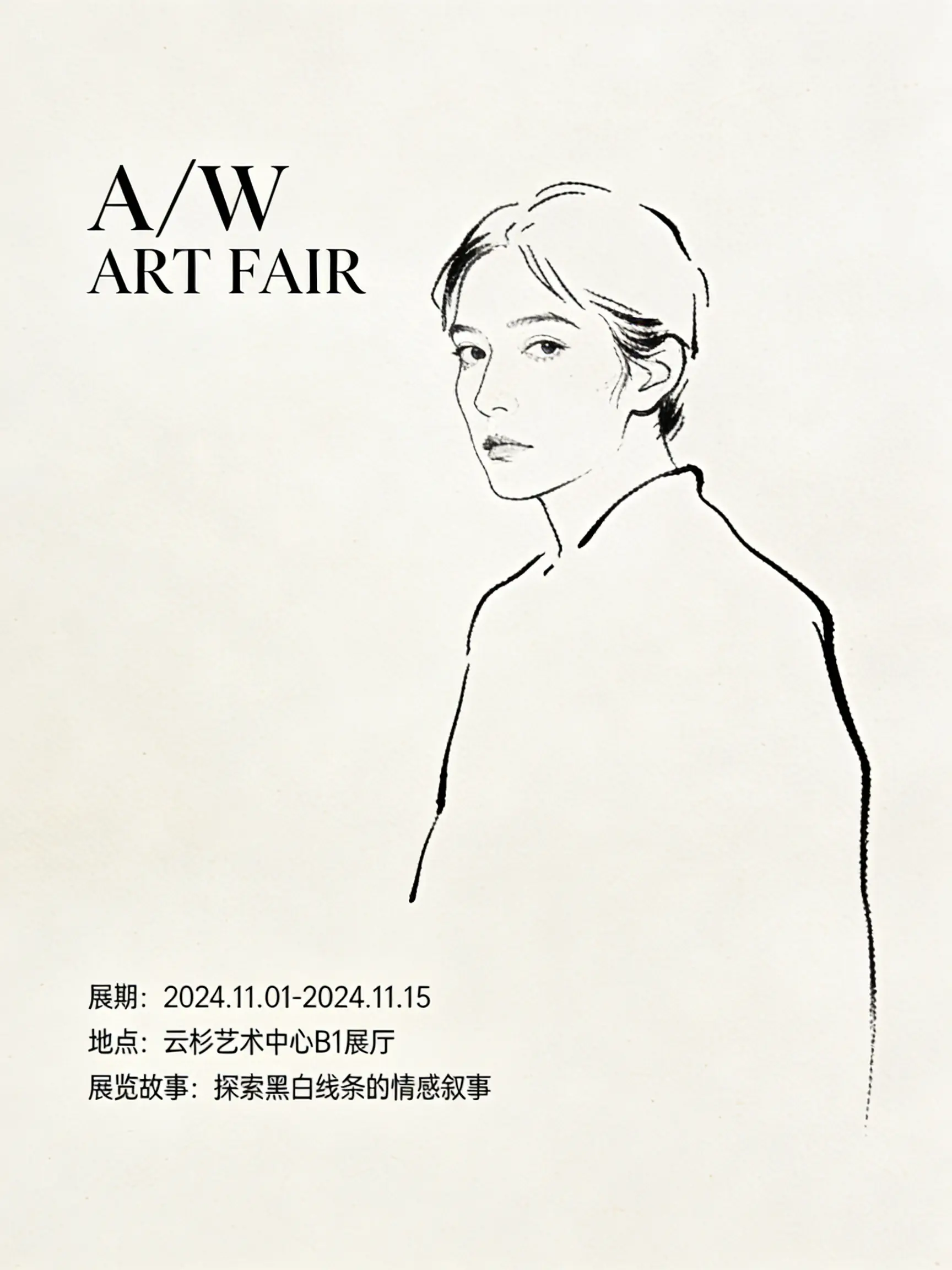
Teams can reuse the same prompt structure by keeping the model focus visible: ByteDance Seedream 4.5 for reference-faithful creative work.
Bring your prompt, choose the controls supported by Seedream 4.5, and use the workspace above to prepare a model-specific image generation brief.
Try Seedream 4.5